
What this template is for
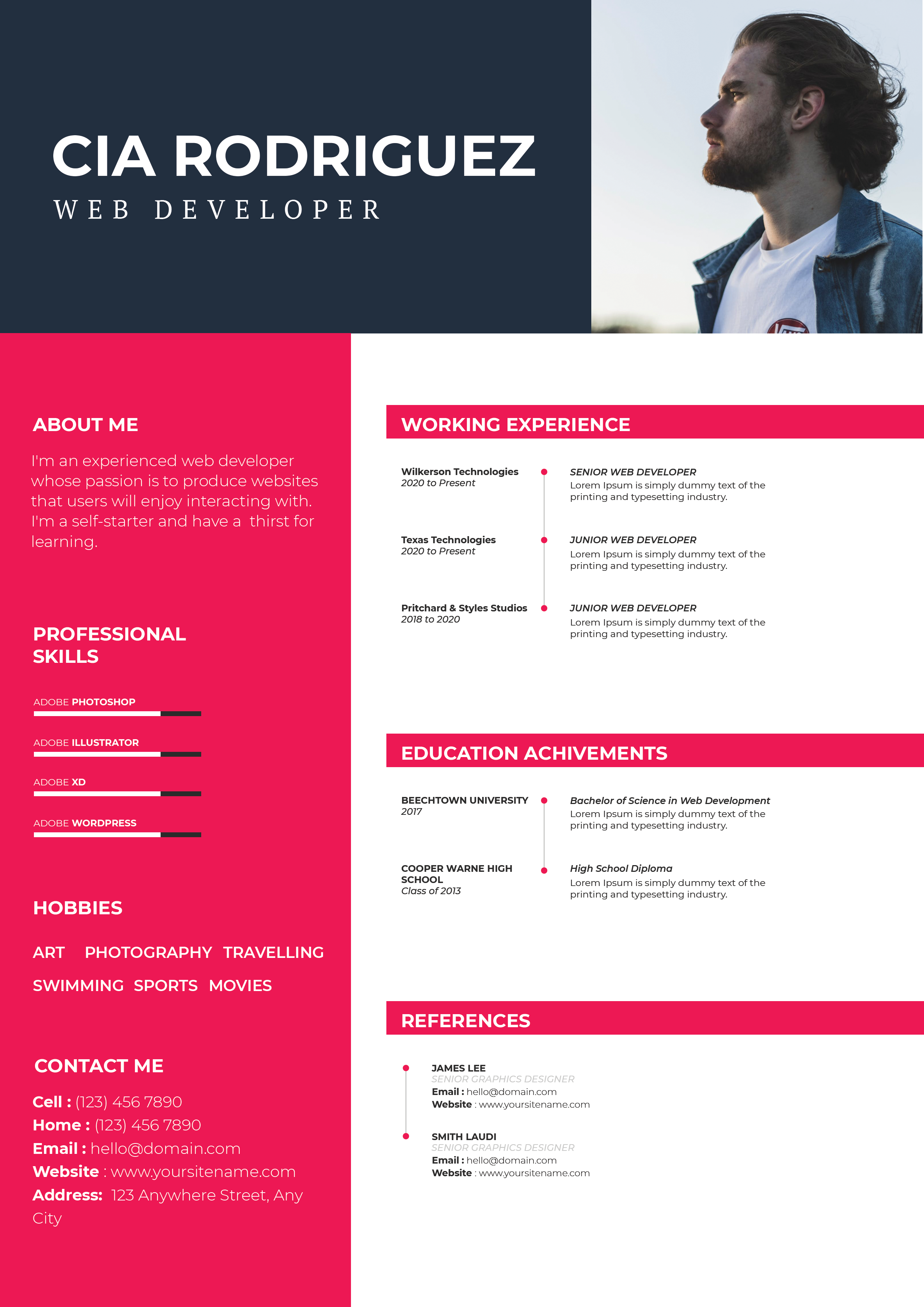
Free Photoshop Resume Template 85 is a restrained black-and-white resume with a strong editorial hierarchy. It gives senior career history and education most of the page, then closes with a compact skills and references area. The minimalist treatment is a natural fit for managing directors, operations leaders, senior consultants, and other experienced candidates who want their chronology to carry more weight than decorative graphics.
Design details
- A circular portrait with a subtle gray border anchors the upper left, next to a tall condensed name lockup and a straightforward professional title.
- A small contact list sits at the upper right, pairing pale-gray email, web, location, and phone icons with black text.
- The main content uses broad horizontal sections divided by very light rules, producing a clean, architectural rhythm across the page.
- Condensed uppercase labels identify the major categories, while job and university entries use bold sans-serif titles, right-aligned dates, and compact supporting copy.
- The final section splits into skill ratings on the left and two reference contacts on the right, separated by a fine vertical line.
How to use it
- Download the ZIP file and open the editable Photoshop source.
- Replace the round portrait with a clean headshot, then enter your name, role, and contact details in the header.
- Rewrite the three work entries and two education entries in reverse chronological order. Preserve the strong alignment between each organization and its date range.
- Update the filled skill circles and reference information, removing a reference block if permission has not been granted to publish those details.
- Export to PDF and review the page at 100 percent size to ensure the light dividers and smaller description text reproduce clearly.
Download
Download free-photoshop-resume-template-100.zip“>Download resume85.zip
Related templates
Use the resume hub to sharpen the chronology and descriptions, and see the branding guide for advice on keeping a monochrome professional identity consistent.
FAQ
Can I edit this resume in Photoshop?
Yes. The portrait, text, rating dots, spacing, and line work can be adjusted in Photoshop to match your content.
What should I change first?
Start with the employment dates and organization names because the design makes career progression the focal point. Then replace the portrait and refine each short role description.
Can I use it for job applications today?
Yes. Its quiet monochrome styling works well for leadership and corporate applications. For application systems that parse text automatically, confirm the exported PDF has selectable text or supply a separate plain version.








