What this template is for
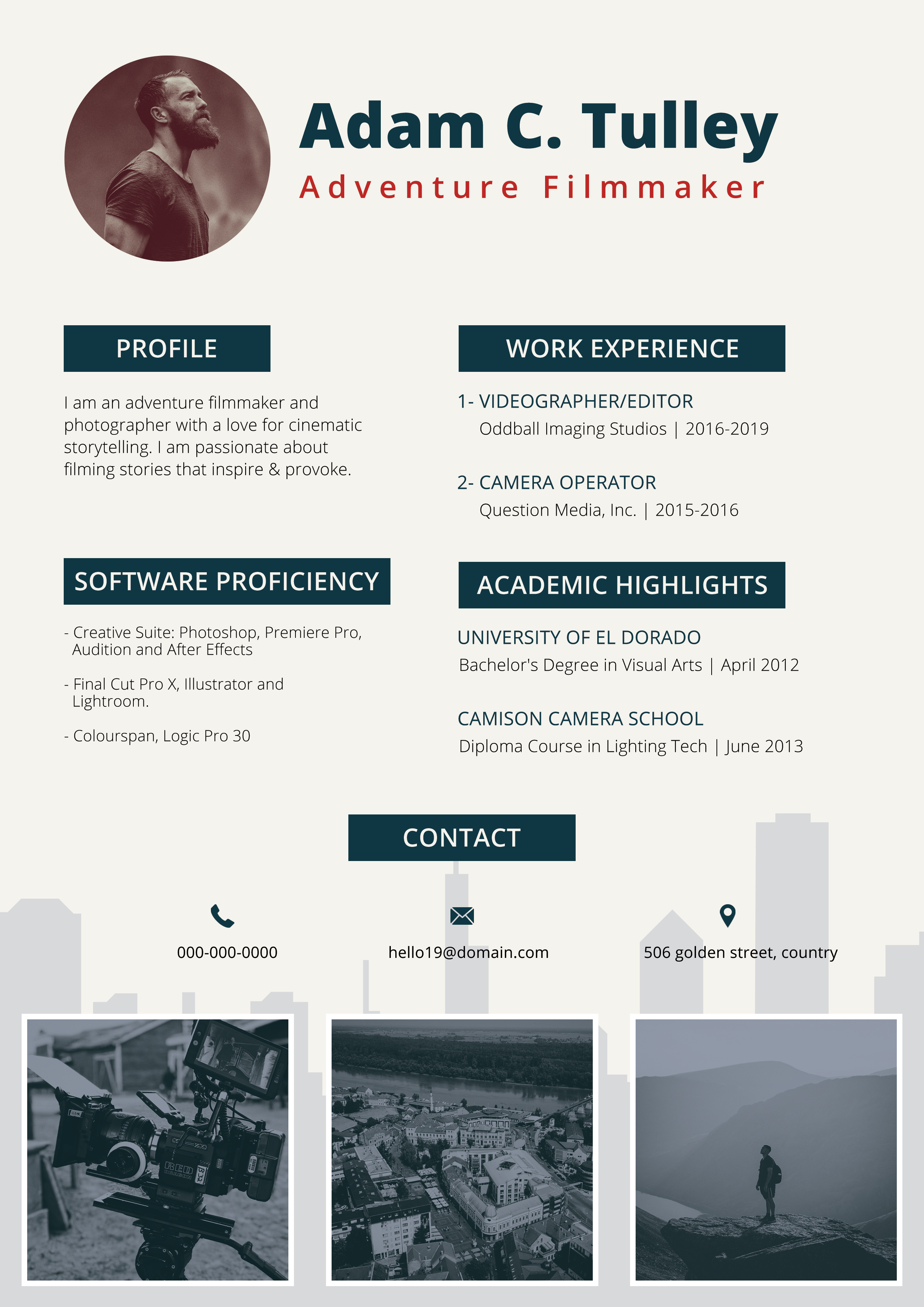
Free Photoshop Resume Template 115 is a polished one-page resume for creative professionals who want personality without sacrificing an orderly presentation. Its balanced mix of white, pale gray, deep charcoal, and muted teal feels modern and approachable. The design is especially well suited to graphic designers, visual content creators, and creative marketing applicants who want to show software strengths alongside education and work history.
Design details
- A wide charcoal header places the candidate name in large, rounded white lettering, with the job title centered below in smaller tracked type.
- An asymmetrical two-column layout uses a narrow light-gray sidebar for supporting information and a spacious white main column for the professional story.
- A circular portrait zone sits near the top of the sidebar, giving the page a friendly focal point without dominating the content.
- Teal section bars organize career goals, languages, and contact details, while matching teal headings unify the main column.
- Four circular percentage graphics present Photoshop, Illustrator, InDesign, and Premiere skills in a quick visual row.
- Education and experience entries follow slim vertical timelines, creating an easy-to-scan sequence of dates, schools, roles, and organizations.
- Language proficiency uses filled and outlined dots for a compact visual rating system.
How to use it
- Download the ZIP file and open the layered source file in Photoshop.
- Replace the sample portrait with a tightly cropped headshot that remains clear inside the circular frame.
- Update the name, professional title, about section, career goals, contact details, education, and experience.
- Adjust the percentage rings and language dots so they communicate your abilities honestly. Keep labels short to preserve the clean spacing.
- Customize the teal accent if needed, then proofread the page and export a high-quality PDF for applications or a JPG for portfolio previews.
Download
Download free-photoshop-resume-template-18.zip“>Download resume115.zip
Related templates
Explore the resume hub for application ideas, or use the branding guide to coordinate the color and typography with your portfolio.
FAQ
Can I edit this resume in Photoshop?
Yes. The Photoshop source lets you replace the text and portrait, revise the teal accent, and update the visual skill indicators. Check the layer organization before making broad changes so repeated headings and graphic elements stay consistent.
What should I change first?
Begin with the name, title, portrait, and contact details. Next, rewrite the about and career goals sections, then shorten each education and experience entry until the timeline remains open and readable.
Can I use it for job applications today?
Yes, particularly for visually oriented roles where a designed resume is welcome. Because the page uses columns, icons, and graphical ratings, consider keeping a simpler text-first version available for application systems that parse resumes automatically.