What this template is for
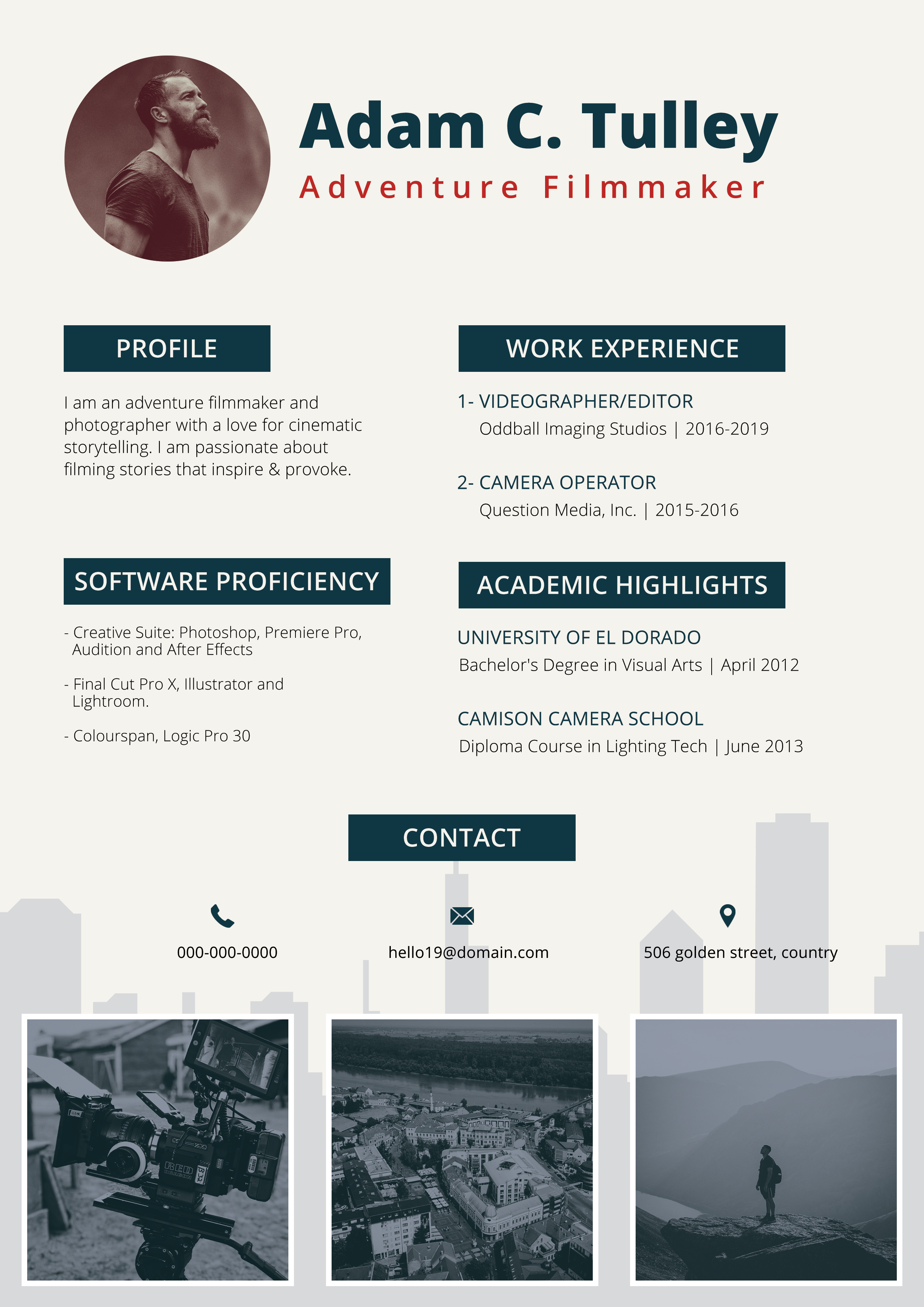
Free Photoshop Resume Template 116 is a bold, poster-like resume built for candidates who want their personal brand to lead the page. The design combines a charcoal background, a saturated green center panel, crisp white type, and an international visual theme. It is a natural fit for graphic designers, creative directors, and internationally focused freelancers whose applications benefit from a memorable portfolio-style presentation.
Design details
- A three-column composition places a tall green identity panel between two dark content columns, producing a strong vertical rhythm.
- The center panel features a hexagonal portrait zone with a white border, followed by an oversized stacked name and a widely spaced professional title.
- A subtle gray world map spans the upper charcoal background, giving the template a global, travel-aware mood without competing with the text.
- Experience and language sections occupy the left column, while education and software skills are grouped on the right.
- White uppercase section headings, thin divider rules, and green subheadings create sharp contrast and a confident editorial feel.
- Language ability appears as short horizontal bars, while software proficiency uses rows of filled green and outlined circles.
- A white city skyline silhouette runs along the bottom edge, reinforcing the urban and cosmopolitan character of the design.
How to use it
- Download the ZIP file and open the layered resume source in Photoshop.
- Replace the portrait with a clear waist-up or head-and-shoulders image that crops well inside the hexagonal frame.
- Update the name, role, profile, career goals, work experience, education, skills, languages, and contact information.
- Keep descriptions concise because the side columns are narrow. Use short bullets, compact dates, and brief organization names.
- Set the bars and skill dots to realistic levels, then export a print-ready PDF or a high-resolution image for a portfolio presentation.
Download
Download free-photoshop-resume-template-19.zip“>Download resume116.zip
Related templates
Visit the resume hub for more application guidance, and consult the branding guide before adapting the green accent to your own visual identity.
FAQ
Can I edit this resume in Photoshop?
Yes. You can edit the text, replace the photo, recolor the central panel, and revise the skill graphics in Photoshop. Preserve the strong dark-and-light contrast so the small side-column copy remains legible.
What should I change first?
Start with the portrait, name, professional title, and center-column profile because they form the main focal point. Then tighten the experience and education copy to fit the available column widths without reducing the type too far.
Can I use it for job applications today?
Yes, especially when applying directly to studios, agencies, or clients that appreciate expressive design. Its map, skyline, multiple columns, and graphic ratings make it visually distinctive, so a separate text-focused resume may still be useful for automated application portals.