
What this template is for
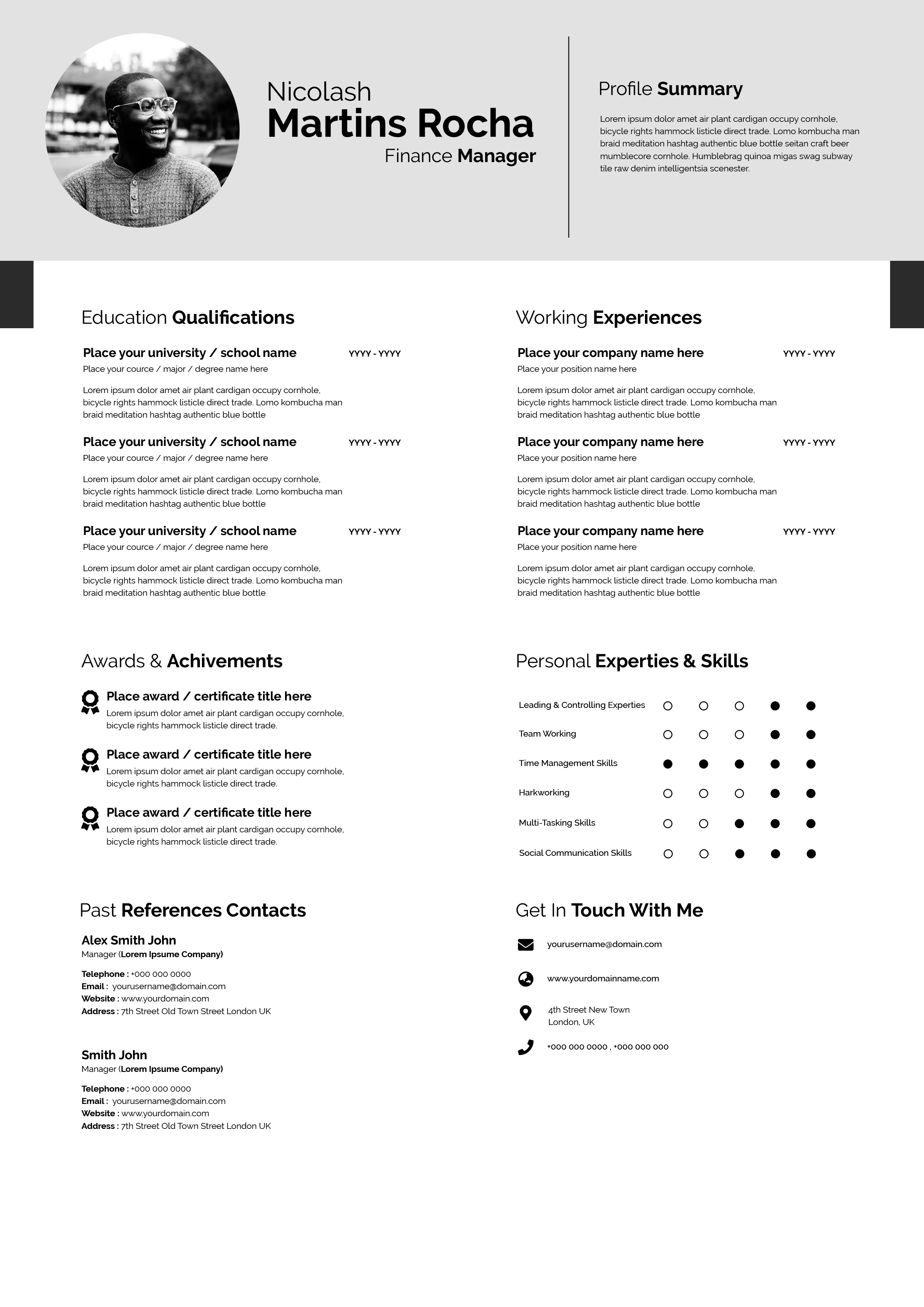
Free Photoshop Resume Template 80 is a formal two-column resume with a restrained teal-and-white palette. It presents a substantial amount of career information without relying on decorative graphics, making it a practical choice for interior designers, architects, consultants, project coordinators, and experienced professionals who need room for achievements and specializations.
Design details
- A thick dark-teal border frames the entire page and gives the layout the appearance of a finished presentation board.
- A large circular black-and-white profile photo sits at the upper left, while a wide teal name banner occupies the upper right.
- Contact information runs in a clean horizontal row beneath the name, supported by teal location, phone, web, and email icons.
- A fine horizontal rule separates the header from two tall content columns, with an additional vertical divider creating strong alignment.
- Teal rectangular section labels introduce about, profile summary, achievements, specializations, work experience, and education.
The mood is composed, credible, and quietly modern. Black and dark gray body text provide excellent contrast, while the repeated teal blocks make a long page easy to scan. The left column supports narrative background, certificates, and specialty lists. The right column prioritizes work and education, so the reader encounters the most important chronology in a predictable order.
How to use it
- Download the ZIP and open the source file in Photoshop.
- Replace the portrait, name banner, and contact row, ensuring all icons align with the updated text.
- Edit the profile, achievements, and specializations on the left, then add your most relevant roles and education on the right.
- Trim any section that does not strengthen your application, proofread dates carefully, and export a print-ready PDF.
Download
Download free-photoshop-resume-template-95.zip“>Download resume80.zip
Related templates
Use the resume hub to refine the content and the branding guide if you want to replace the teal with a brand color.
FAQ
Can I edit this resume in Photoshop?
Yes. The PSD lets you update the photograph, text, icons, rules, borders, and teal section blocks.
What should I change first?
Start with the name and contact header, then complete the work history. Once the main chronology fits, refine the left column so the page remains balanced from top to bottom.
Can I use it for job applications today?
Yes. Its professional hierarchy works for direct applications, interview printouts, and client-facing credentials. Check the exported text size before sending.








