
What this template is for
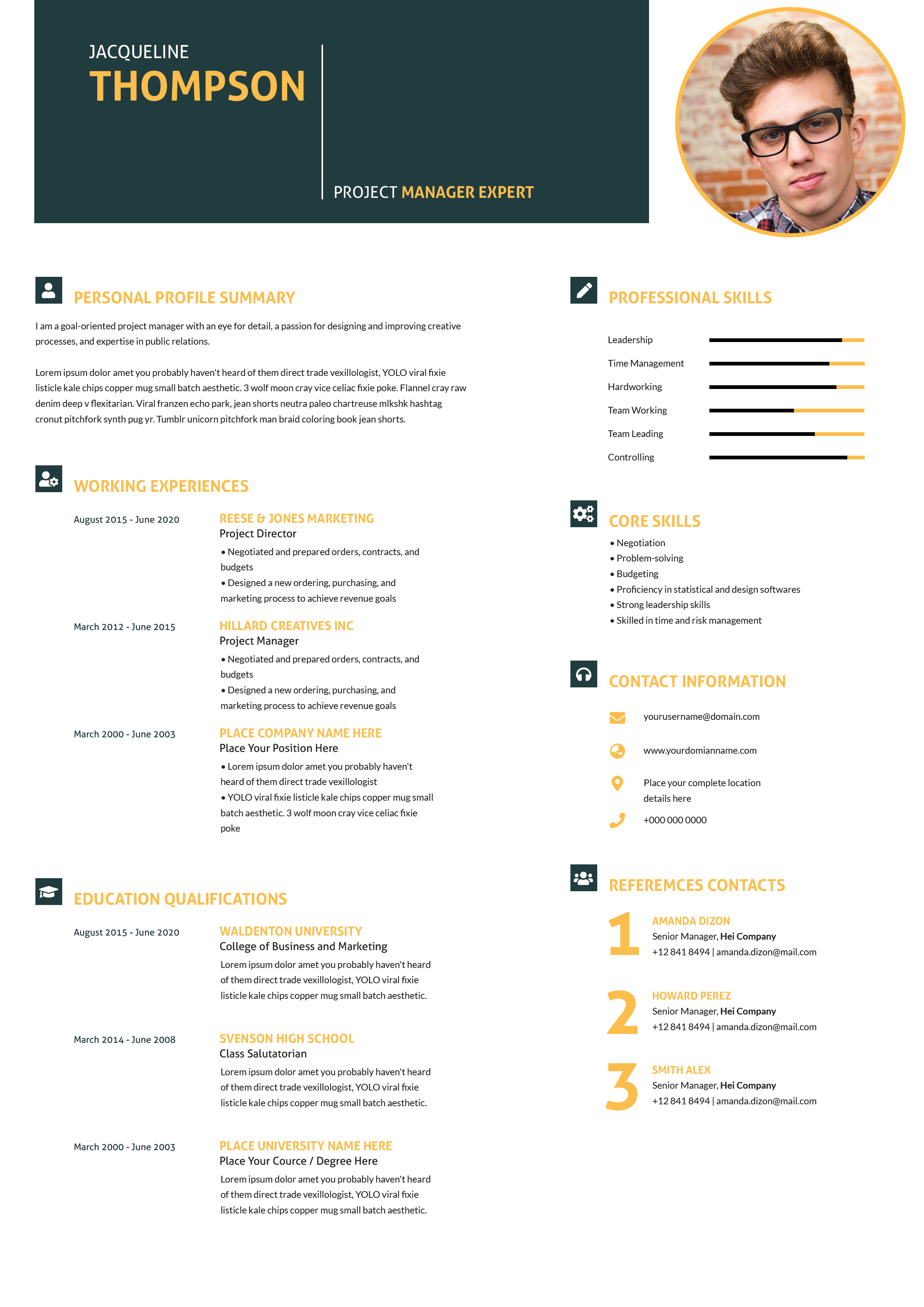
Free Photoshop Resume Template 79 is a colorful infographic resume built around a dramatic central portrait. It is intended for visual professionals who want their personality and personal brand to lead the page. The radial composition is especially appropriate for graphic designers, illustrators, creative freelancers, and junior art directors applying to studios where expressive presentation is valued.
Design details
- A very large circular black-and-white portrait occupies the center, framed by a thick coral-red ring that becomes the page’s strongest focal point.
- Thin colored connector lines branch toward contact information, personal profile, professional skills, personal skills, experience, and education.
- Blue, green, red, yellow, teal, and purple headings organize the sections while keeping the white background open and bright.
- Friendly rounded sans-serif headings contrast with compact dark body copy, giving the design an approachable infographic mood.
- Software abilities appear as recognizable square application marks, and personal strengths use rows of colored rating dots.
The layout feels lively, personal, and unconventional. It gives the portrait equal importance to the written credentials, so it works best when the applicant has a strong professional photo and is comfortable with a personality-forward presentation. Good use cases include creative agency introductions, portfolio PDFs, and freelance pitch attachments. It is less suited to conservative industries or automated application systems that expect a plain linear document.
How to use it
- Download the ZIP file and open the PSD source in Photoshop.
- Replace the central portrait with a high-resolution image that crops cleanly inside the circle.
- Edit every colored section, including contact details, personal profile, skill ratings, software marks, work history, and education.
- Keep the lower experience descriptions concise, verify that connector lines still point cleanly toward their sections, and export a sharp PDF or JPG.
Download
Download free-photoshop-resume-template-93.zip“>Download resume79.zip
Related templates
See the resume hub for writing help and the branding guide for choosing a coherent set of section colors.
FAQ
Can I edit this resume in Photoshop?
Yes. The source supports edits to the portrait, colored lines, icons, headings, ratings, and all resume text.
What should I change first?
Begin with the portrait and name, then replace the profile and contact information. Edit the experience and education blocks last so you can judge how much copy fits comfortably.
Can I use it for job applications today?
Yes, for visually oriented roles and direct submissions. Pair it with a simpler resume when an employer relies heavily on applicant-tracking software.








