
What this template is for
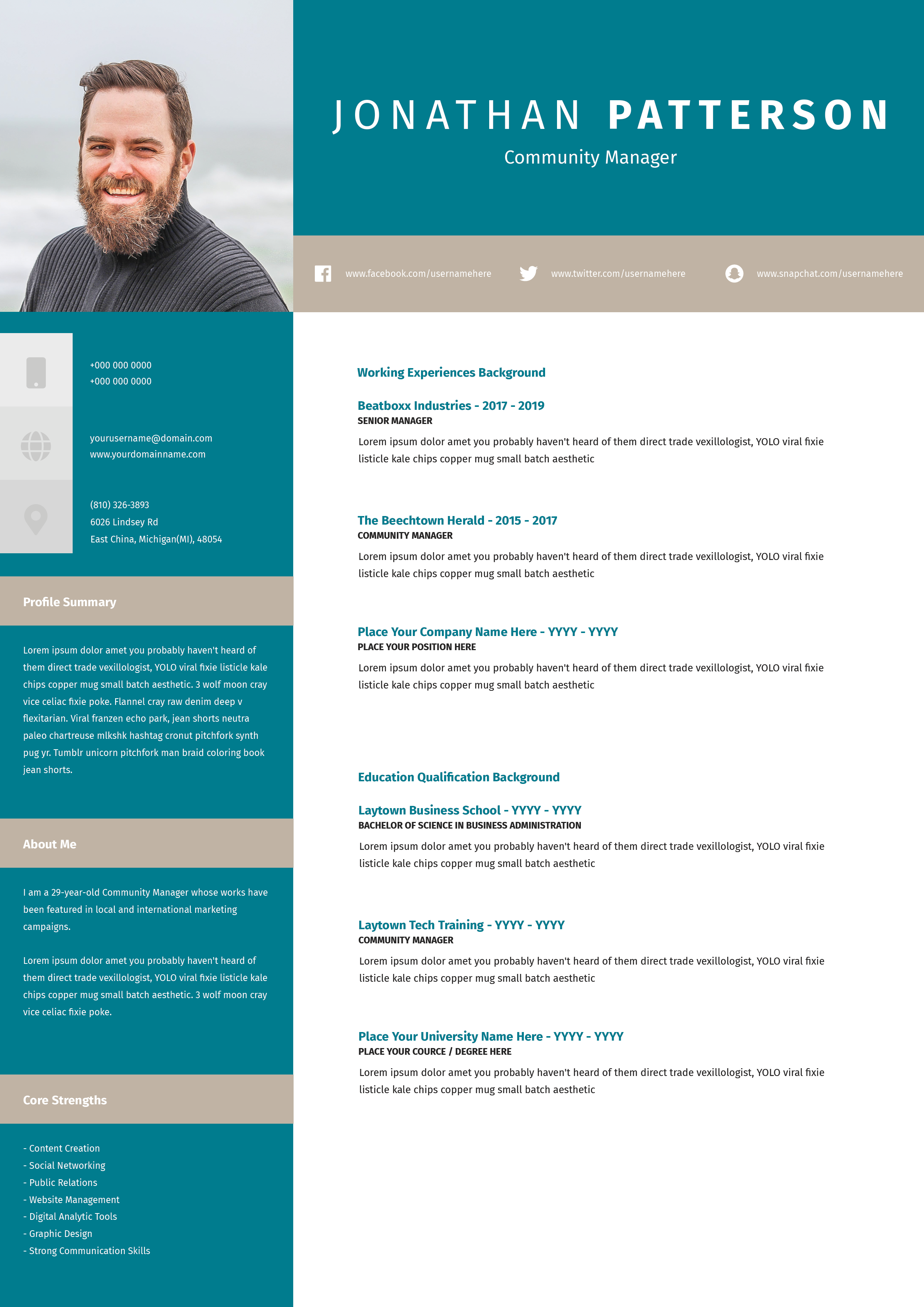
Free Photoshop Resume Template 78 is a bold multi-page resume presentation for candidates who want each major topic to have its own large visual panel. Rather than compressing everything into one conventional sheet, it uses poster-scale typography, broad color fields, and generous spacing. The format is a natural fit for project managers, creative coordinators, brand professionals, and presentation-ready portfolio introductions.
Design details
- The opening panel pairs a dark slate block reading “Hello!” with a wide lifestyle photo and an oversized two-line name.
- Alternating slate, warm ivory, bright turquoise, and white backgrounds create a strong checkerboard rhythm across the pages.
- Huge lightweight uppercase words combine with heavy bold keywords, producing a modern Swiss-inspired typographic feel.
- Separate zones cover the personal profile, work history, skills, education, contact details, and professional skills.
- Horizontal bars and circular percentage charts turn skill levels into clear visual summaries, while small icons support contact information.
The template feels confident, spacious, and presentation driven. Its turquoise accent is upbeat without looking playful, while the charcoal gray adds authority. It is genuinely useful for an interview leave-behind, a PDF introduction sent to a prospective client, or an application for a design-conscious project management role. Because the typography is intentionally oversized, the content should stay selective and concise.
How to use it
- Download the ZIP file and open the Photoshop source.
- Replace the hero photo, name, role, and introductory copy, checking that the subject remains visible behind the title area.
- Update work experience, education, contact details, skill bars, and circular proficiency graphics across every panel.
- Keep paragraphs short, check the page order, and export the full document as a presentation-style PDF.
Download
Download free-photoshop-resume-template-92.zip“>Download resume78.zip
Related templates
Explore the resume hub for content guidance and the branding guide before changing the turquoise, ivory, and slate palette.
FAQ
Can I edit this resume in Photoshop?
Yes. You can change the text, color blocks, photo, icons, bars, and circular charts in Photoshop.
What should I change first?
Start with the opening image and name panel, then work through each section in sequence. Consistent alignment and short copy are essential to preserving the bold composition.
Can I use it for job applications today?
Yes, particularly for direct email applications, interviews, and client pitches. If a portal asks for a single-page resume, prepare a simpler companion document.








