
What this template is for
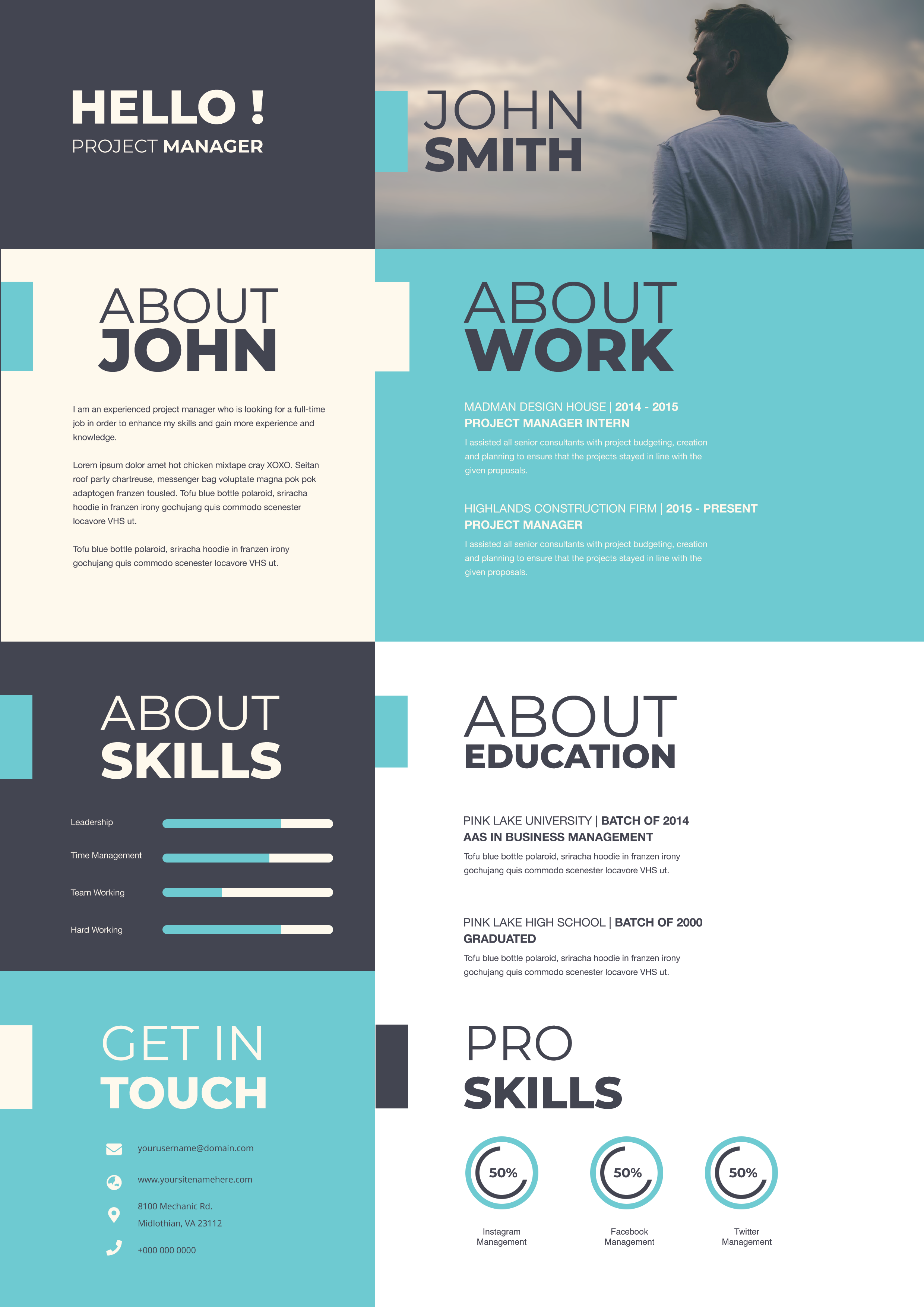
Free Photoshop Resume Template 75 is a bold portfolio-style resume for creative professionals who want to present a lot of information in a compact, highly visual format. The three-column grid combines career history, education, skills, interests, references, awards, and a central portrait without making the page feel random. It is especially well suited to graphic designers, art directors, and creative freelancers who want their resume to demonstrate layout confidence before the reader reaches the portfolio.
Design details
- A strong coral-red center column anchors the upper half with an oversized condensed name, job title, profile summary, and clear white typography.
- The lower center switches to charcoal black around a rectangular black-and-white portrait and a stacked references section.
- White outer columns hold professional experience and education above, with circular software percentages, dot-based personal skills, hobby icons, and red-star award markers below.
- Small uppercase red headings, crisp sans-serif body text, and pale gray section backgrounds create a precise editorial mood.
The design feels energetic, organized, and unmistakably creative. Its modular blocks make it a good fit for applicants with varied experience, several software strengths, and achievements that deserve more than a plain text list. Because the information density is high, concise writing will produce the cleanest result.
How to use it
- Download the ZIP file and open the PSD source in Photoshop.
- Replace the central name, title, summary, portrait, career entries, education, references, and awards with your own details.
- Update the software percentages and personal-skill dots honestly, then remove any hobby icons or sections that do not support your application.
- Keep descriptions short enough to preserve the generous spacing, then export a high-quality PDF for applications or a JPG for portfolio previews.
Download
Download free-photoshop-resume-template-89.zip“>Download resume75.zip
Related templates
Browse the resume hub for application advice, or use the branding guide to coordinate the coral, charcoal, and white palette with your portfolio.
FAQ
Can I edit this resume in Photoshop?
Yes. The Photoshop source lets you replace text, adjust colors, update skill graphics, swap the portrait, and tailor each content block.
What should I change first?
Start with the name panel and portrait because they establish the visual identity. Next, shorten the experience copy and edit the skill indicators so the three-column composition remains balanced.
Can I use it for job applications today?
Yes. It is a strong choice for direct applications, creative agency introductions, and portfolio handouts. For automated portals, consider pairing it with a simpler text-first version.








