
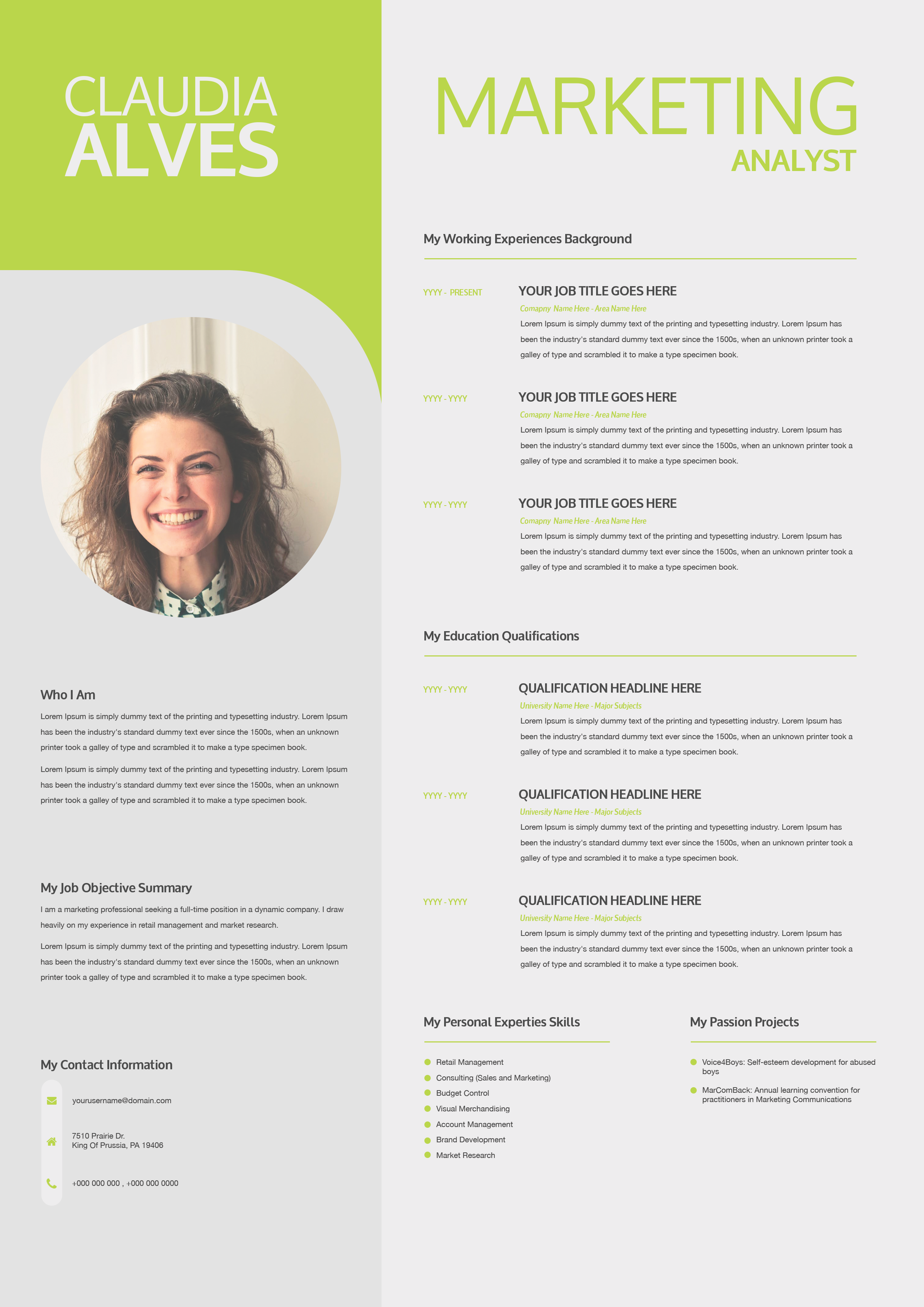
What this template is for
Free Photoshop Resume Template 67 is a polished two-column resume for creative professionals who want a strong personal introduction without sacrificing detailed career content. Its wide cityscape header gives the page an urban, contemporary mood, while the restrained black, white, and gray palette keeps the presentation professional. It is especially fitting for graphic designers, creative developers, and marketing specialists whose work combines visual thinking with practical business skills.
Design details
- A full-width, darkened skyline photograph creates a dramatic opening banner, with the candidate name and role centered inside a fine white rectangular frame.
- The name uses a clean uppercase sans serif with selective bold weight, creating contrast between first and last name without adding extra color.
- A vertical divider separates the compact left column from the larger career column. The left side holds the profile, expertise, contact information, and references.
- Experience and education entries use a subtle gray timeline with circular markers, aligned dates, bold organization names, and pale secondary job titles.
- Six outlined percentage circles present professional software skills in a neat grid near the bottom of the right column.
The overall effect is editorial and confident. Generous white space and dark typography make the dense single-page layout feel organized rather than crowded.
How to use it
- Download the ZIP file and open the PSD source in Photoshop.
- Replace the skyline if you want a location, studio, or industry image that better reflects your work. Keep the photograph dark enough for the white header text to remain legible.
- Update the profile, work history, education, contact details, references, and skill labels. Use short paragraphs so the existing spacing stays balanced.
- Adjust the timeline dates and percentage graphics, then proofread the small secondary text at normal viewing size.
- Export a high-resolution PDF for applications and a JPG for portfolio previews or online sharing.
Download
Download free-photoshop-resume-template-80.zip“>Download resume67.zip
Related templates
Browse the resume hub for more application layouts, or use the branding guide to coordinate the type, photograph, and visual tone with your portfolio.
FAQ
Can I edit the city image and skill percentages?
Yes. Replace the header photograph and revise the labels and percentage values in Photoshop. Choose a wide image with a useful central area behind the name block.
Who is this resume best suited to?
Its city backdrop, structured timeline, and software indicators suit creative developers, designers, advertising professionals, and visually minded marketers.
Will the layout work without references?
Yes. Remove that section and use the space for selected projects, certifications, languages, or a longer skills list while preserving the left-column alignment.








