
What this template is for
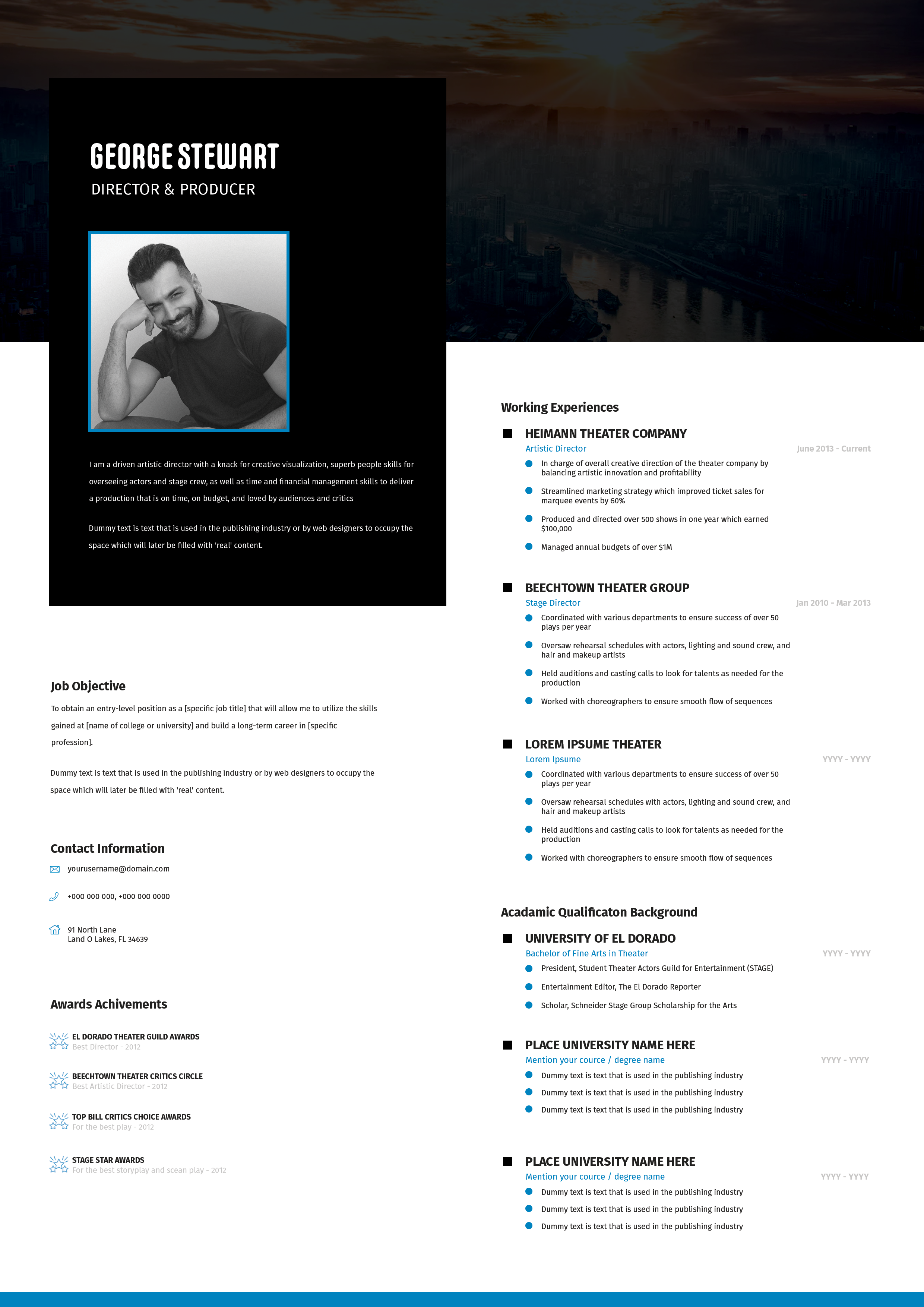
Free Photoshop Resume Template 66 is a precise two-column creative resume with a bright cyan identity system and a dark slate sidebar. Its balance of portfolio personality and compact career detail works well for graphic designers, illustrators, and digital marketing creatives who need skills, awards, and interests visible at a glance.
Design details
- The left column uses stacked color blocks: cyan for the name and profile, a large rectangular portrait between them, and dark slate for education, interests, and contact information.
- The candidate’s name appears in bold white uppercase lettering, paired with a small artist and illustrator label for a clean studio-brand feel.
- The white right column contains three dated work entries, two groups of slim skill bars, a personal expertise list, and six star-marked achievements.
- Cyan accents connect bullets, bar endpoints, award stars, and the sidebar, while white line icons make the interests section lively without adding visual clutter.
- Compact sans serif typography, consistent alignment, and generous outer margins give the page a modern, precise, and highly organized mood.
How to use it
- Download the ZIP file and open the PSD source in Photoshop.
- Replace the wide portrait with a sharp side-profile or three-quarter image that works within the rectangular crop.
- Update the profile, education, interests, contact details, work history, professional tools, personal expertise, and achievements. Keep body copy compact so the layout does not feel crowded.
- Resize the horizontal skill bars honestly, swap interest icons where needed, and change the cyan accent if another brand color better represents your portfolio.
- Check the small sidebar text at actual print size, then export a polished PDF and a web-ready JPG.
Download
Download free-photoshop-resume-template-79.zip“>Download resume66.zip
Related templates
Explore the resume hub for content and application advice, and consult the branding guide when adapting the cyan palette, imagery, and icon style.
FAQ
Can I edit this resume in Photoshop?
Yes. The PSD makes the text, portrait, color blocks, skill bars, icons, bullets, and achievement symbols customizable.
What should I change first?
Begin with the name, role, portrait, and profile in the cyan area. Next, fit your work history, then refine the smaller skills, achievements, interests, and contact sections.
Can I use it for job applications today?
Yes. It is a strong option for creative agencies, in-house design departments, and portfolio presentations. Keep a streamlined text-first copy available for application forms that depend on automated resume parsing.








