
What this template is for
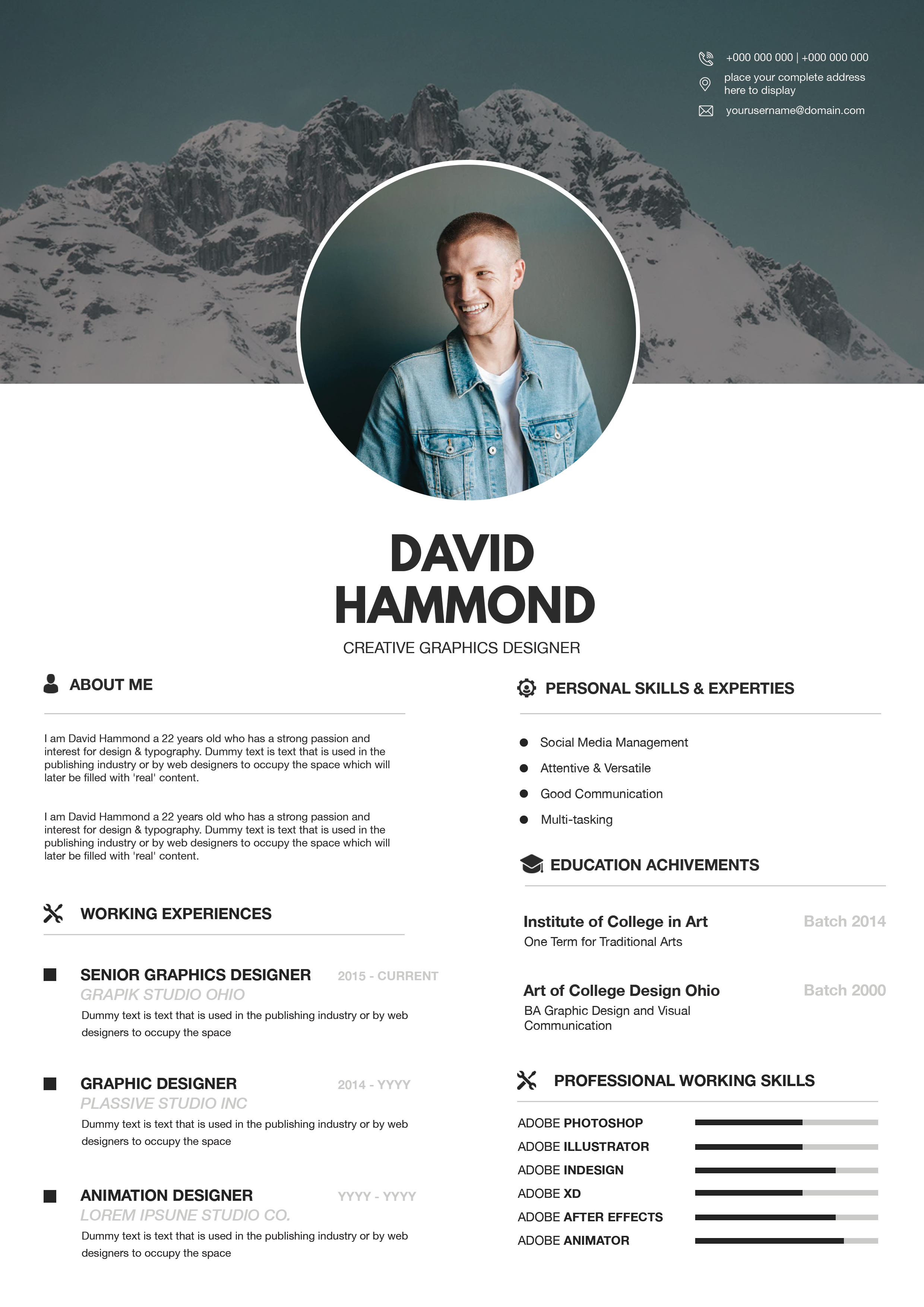
Free Photoshop Resume Template 55 is a soft, contemporary resume designed around a lavender sidebar and a crisp white career column. Its approachable color palette and geometric portrait treatment create a friendly creative identity without sacrificing organization. It is especially fitting for social media managers, content creators, and junior brand or graphic designers whose roles call for personality, communication skills, and visual awareness.
Design details
- A pastel pink-to-lavender gradient fills the left column, which occupies a little under half of the page.
- The portrait sits inside a large white-bordered hexagon, giving an ordinary headshot a distinctive social-media-ready crop.
- The sidebar holds a centered career objective, contact details with outlined icons, and an additional text section separated by white rules.
- The white right column opens with a tall condensed black name and a pale gray uppercase job title.
- Working highlights and education follow a vertical timeline with circular markers, dates aligned to the right, and light lavender dividers.
- A certificate area finishes the page with four evenly spaced line icons and short achievement labels.
The typography has a clean editorial feel: strong condensed display type for identity, bold sans serif section headings, and simple body text for easy reading. The design feels optimistic, youthful, and organized, with enough decorative detail to stand out in a creative application.
How to use it
- Download the ZIP file and open the Photoshop source.
- Replace the hexagonal portrait with a clear headshot and reposition it so the face remains comfortably inside the angled frame.
- Rewrite the objective, contact details, work highlights, education, additional sidebar content, and certificate captions.
- Keep job descriptions brief and action-focused so the timeline stays open and dates remain aligned.
- Export a PDF for applications and check the pale gray and lavender text for sufficient contrast.
Download
Download free-photoshop-resume-template-67.zip“>Download resume55.zip
Related templates
Browse the resume hub for application guidance, or use the branding guide to match the lavender palette to your social profiles and portfolio.
FAQ
Can I edit this resume in Photoshop?
Yes. The source lets you customize the portrait, gradient colors, icons, text, timeline entries, and certificate labels.
What should go in the certificate section?
Use it for relevant certifications, campaign awards, specialist training, or notable creative recognition. Remove unused items rather than filling them with weak material.
Can the sidebar color be changed?
Yes. A soft blue, peach, or brand-specific gradient can work well, provided the white sidebar text remains easy to read.








