
What this template is for
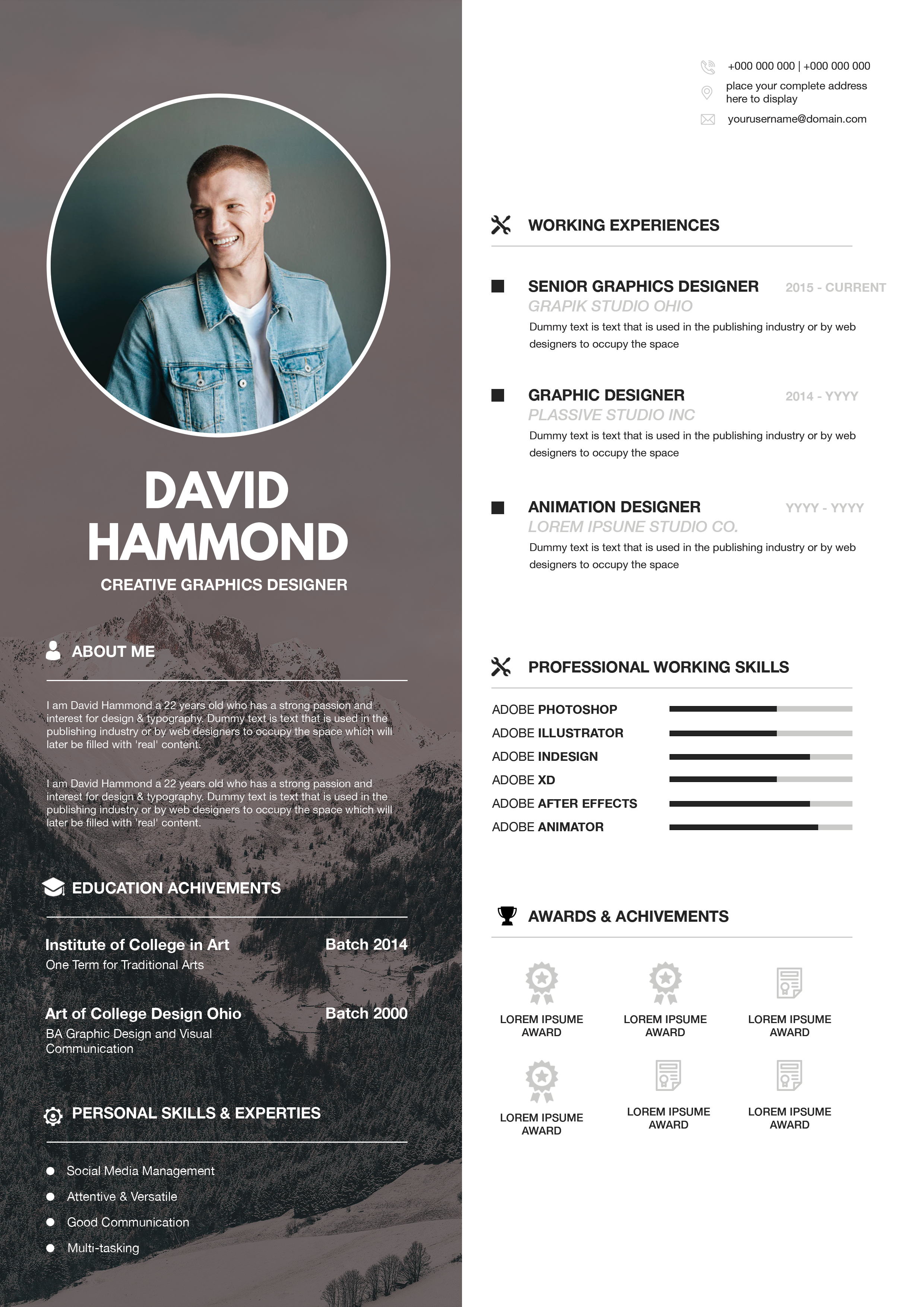
Free Photoshop Resume Template 54 is a portrait-led web developer resume with a striking vertical split. One side acts like a personal-brand poster, while the other delivers the career information on a bright white field. Its editorial composition is especially suitable for front-end developers, creative technologists, and digital designers who want a memorable resume that still gives work experience and technical skills clear priority.
Design details
- The left third is occupied by a full-height portrait treated with a warm coral and muted burgundy gradient.
- The candidate name and role appear in white at the top of the portrait, with oversized “HI” lettering and a short introduction at the bottom.
- The right panel begins with About Me and a two-column block for identity and contact information.
- Experience entries use separate date and description columns, burgundy company names, and diamond-shaped bullets.
- Education sits beneath a thin divider, followed by working skills with five-dot ratings and a compact list of other strengths.
The typography mixes light, conversational headings with bold subheads, producing a friendly but capable tone. Burgundy accents connect the content panel to the tinted photo, while black body text keeps the career details readable. Because the portrait consumes substantial space, the design works best with tightly edited copy.
How to use it
- Download the ZIP and open the layered resume source in Photoshop.
- Replace the tall portrait with a full-body or waist-up image that has enough resolution for the large vertical crop.
- Update the name, developer title, introduction, profile fields, work experience, education, and skill lists.
- Recolor the photo treatment and burgundy accents together if you want a different personal-brand palette.
- Export to PDF, then confirm that the fine body text and dot ratings remain clear on screen and in print.
Download
Download free-photoshop-resume-template-66.zip“>Download resume54.zip
Related templates
Use the resume hub to sharpen your application content, and see the branding guide before coordinating the tinted portrait with a website or portfolio.
FAQ
Can I edit this resume in Photoshop?
Yes. You can change the type, colors, portrait, experience entries, education, and skill indicators in the Photoshop file.
What portrait should I choose?
A relaxed, well-lit vertical portrait works best. Keep the subject centered and leave some quiet space above the head for the name and role.
Who benefits most from this layout?
It suits candidates whose presentation is part of their professional identity, including front-end developers, UI designers, and creative technologists.








