
What this template is for
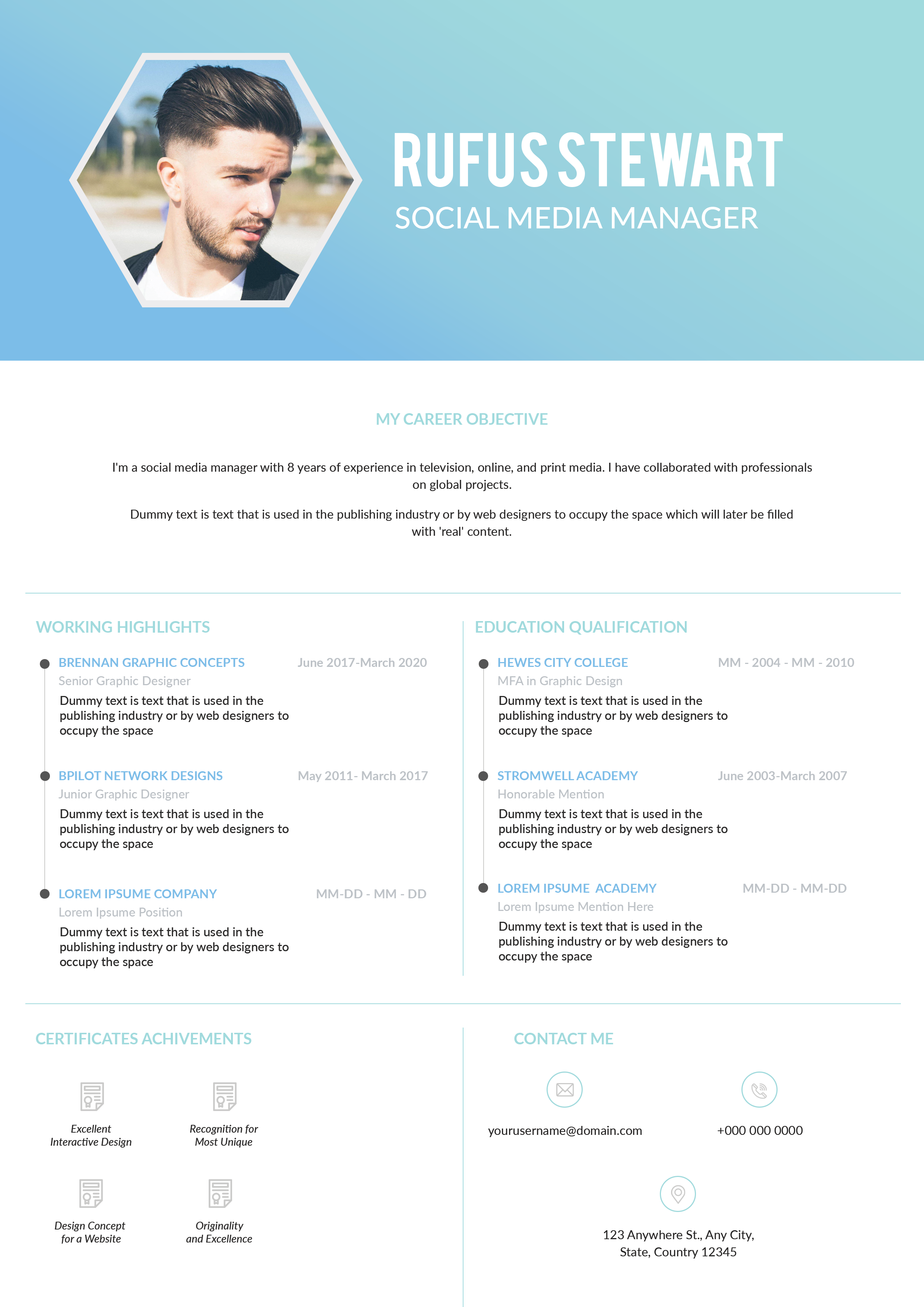
Free Photoshop Resume Template 53 is a modern software-developer resume with a dramatic photographic banner and a clean, information-rich body. The deep navy and electric-blue treatment gives it a technical, confident mood without resembling a generic corporate form. It is a strong fit for software engineers, web developers, and technical product specialists who want to combine a professional portrait with clearly organized experience and skills.
Design details
- A full-width hero photograph fills the upper portion of the page beneath a dark blue overlay.
- Large white “HI” lettering anchors the lower-left corner of the banner, while the candidate name and professional title sit at the upper right.
- The white body begins with an About Me section and a compact grid of personal and contact details.
- Work experience uses a horizontal timeline-like arrangement with dates separated from company names, roles, and diamond bullets.
- The bottom area divides into education, working skills, and other skills, with five-dot proficiency indicators adding a compact visual summary.
Rounded sans-serif typography softens the technical subject matter, while dark blue headings establish hierarchy across the page. The wide format and clear dividers make substantial content approachable, although the text should remain concise enough to protect the generous white space.
How to use it
- Download the ZIP file and open the source document in Photoshop.
- Replace the banner image with a high-resolution portrait that still reads clearly beneath a blue color overlay.
- Update the name, title, personal summary, contact fields, experience, education, technical skills, and supporting strengths.
- Adjust each five-dot rating honestly, or replace the ratings with text if you prefer more precise skill evidence.
- Export the completed page as a high-quality PDF and check that small text remains legible at normal viewing size.
Download
Download free-photoshop-resume-template-65.zip“>Download resume53.zip
Related templates
The resume hub can help you strengthen your experience bullets, while the branding guide offers ideas for carrying the navy palette into a developer portfolio.
FAQ
Can I edit this resume in Photoshop?
Yes. The portrait, overlay color, text, section content, and dot-based skill indicators can all be customized in Photoshop.
What image works best in the banner?
Choose a wide portrait with the subject positioned away from the name area. Strong side lighting and a simple background work especially well under the blue tint.
Is this suitable for a long technical career?
It is best for a focused one-page summary. Select the most relevant roles and link to a portfolio or profile for deeper project details.








