
What this template is for
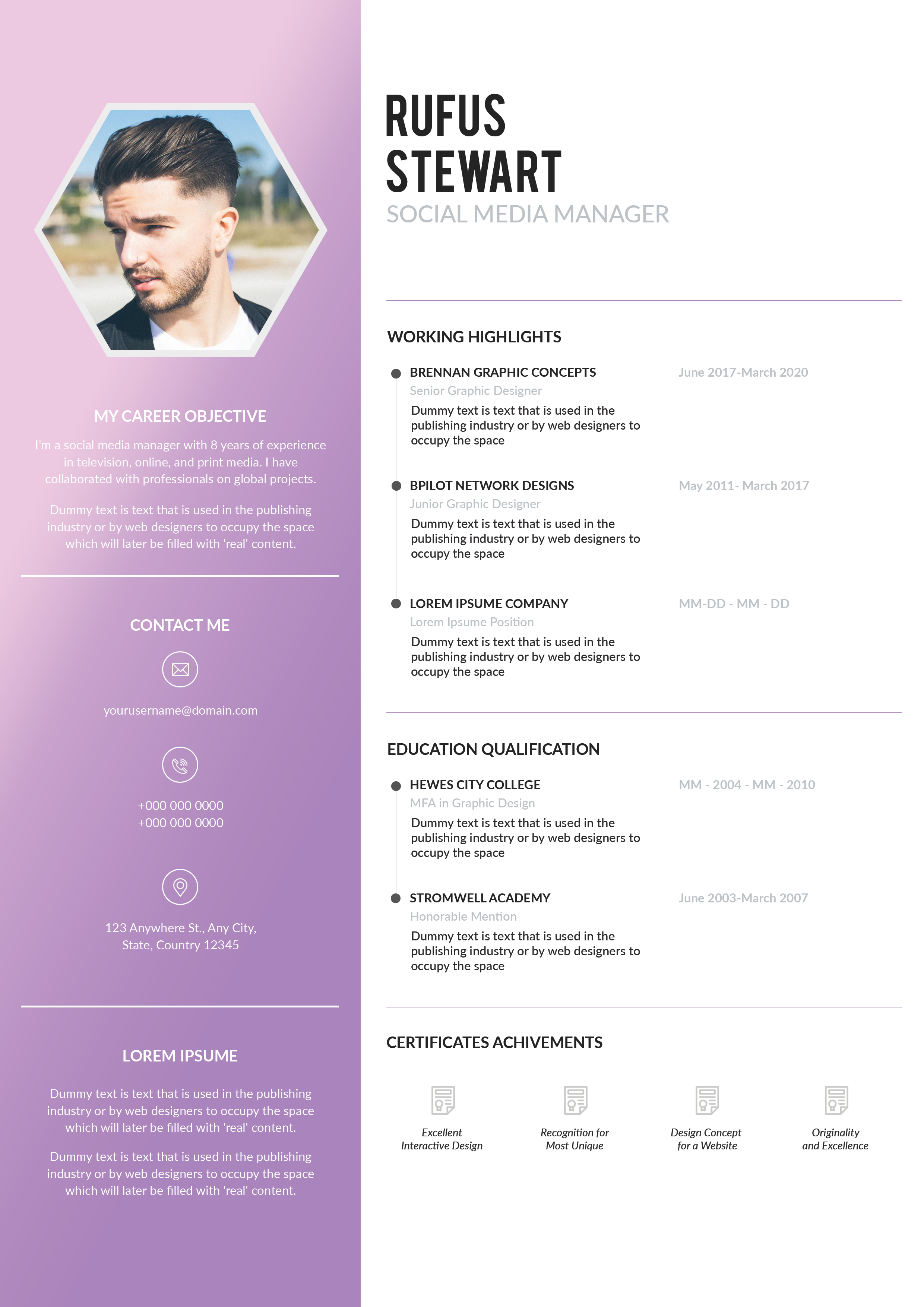
Free Photoshop Resume Template 52 is a spacious, understated resume built around generous white space and soft charcoal-gray typography. It presents the candidate with quiet confidence instead of decorative effects. This restrained approach is genuinely well suited to graphic designers with minimalist portfolios, illustrators or fine artists, and creative professionals applying to studios where clarity and taste matter more than a loud personal brand.
Design details
- The top area pairs an oversized, thin-weight two-line name on the left with a square close-up portrait on the right.
- A short professional title sits beneath the name, followed by a fine horizontal rule that separates the introduction from the resume content.
- The page uses two open columns: profile, contact details, interests, and references on the left; work history, education, and professional skills on the right.
- Uppercase section headings use a heavier rounded sans serif, while body copy remains light and airy.
- Small circular bullets and muted gray text keep lists orderly without introducing a competing accent color.
The overall mood is calm, refined, and gallery-like. The layout provides room for references and personal interests, which makes it useful for candidates who want to communicate both professional experience and creative identity. Its wide spacing favors selective content rather than dense career histories.
How to use it
- Download the ZIP and open the editable resume file in Photoshop.
- Replace the square portrait with a high-resolution profile image or close headshot that has a simple background.
- Enter your name and role, then update every section while keeping descriptions short enough to preserve the open composition.
- Remove references or interests that are not relevant, and use the freed space to expand experience or selected skills.
- Proofread the small text carefully and export a sharp PDF for applications.
Download
Download free-photoshop-resume-template-64.zip“>Download resume52.zip
Related templates
Visit the resume hub for help refining your content, then consult the branding guide if you want this muted visual style to match a portfolio or cover letter.
FAQ
Can I edit this resume in Photoshop?
Yes. The Photoshop source lets you change text, reposition content, replace the portrait, and adjust the gray palette.
Does the template require a photograph?
The square portrait is an important part of the composition, but you can replace it with a monogram or a carefully selected piece of artwork if that better fits your field.
What is the best way to keep the layout elegant?
Use concise entries, preserve the wide margins, and avoid adding several bright colors or heavy graphic elements.








