
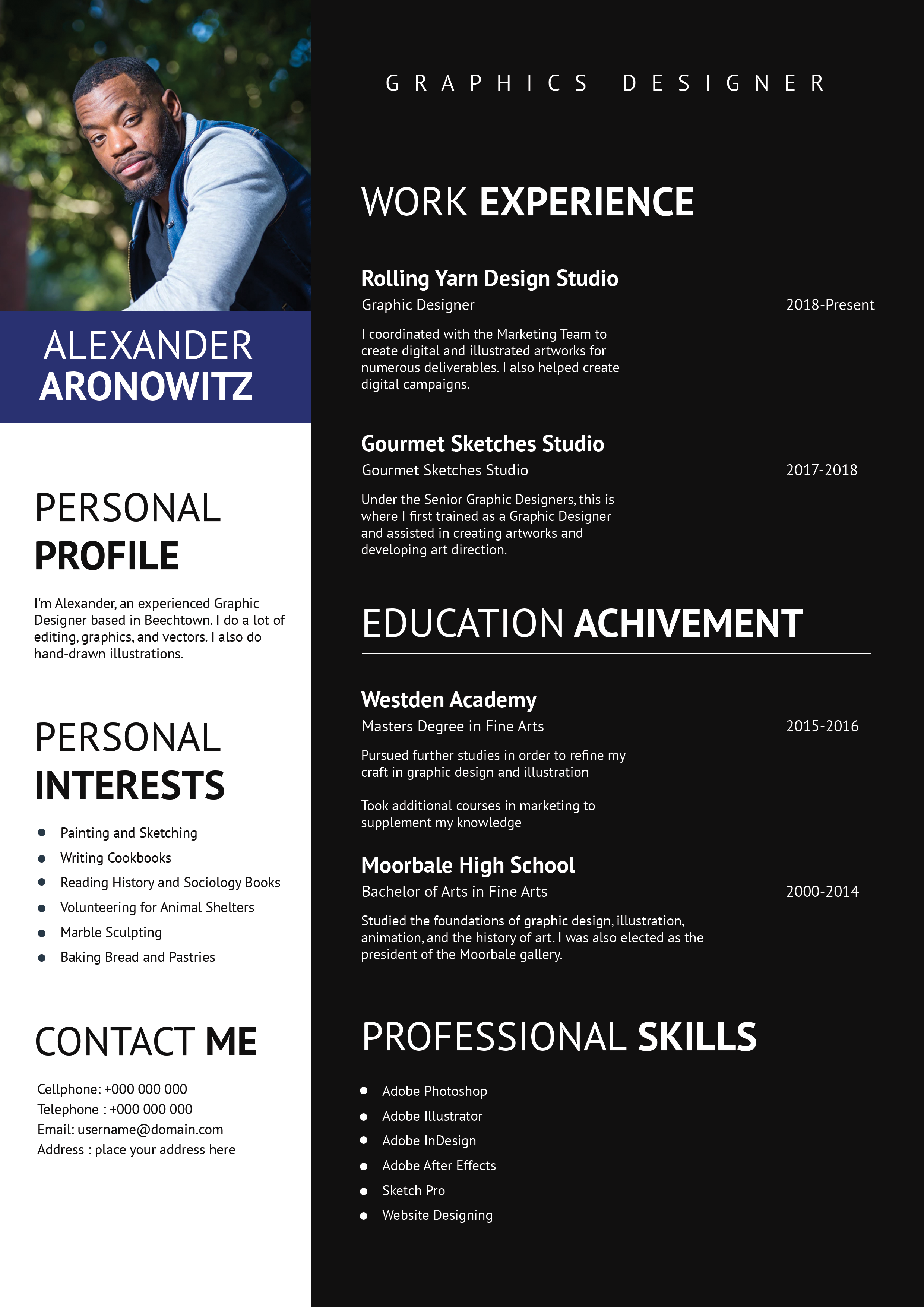
What this template is for
Free Photoshop Resume Template 47 is a compact creative resume built around a centered portrait and strong horizontal bands. Cool cyan and slate gray give it a modern production-oriented character, while the symmetrical top section makes the candidate immediately memorable. The format suits technical directors, theater production staff, event technicians, and audiovisual or stage professionals with a focused work history.
Design details
- A slate gray masthead, bright cyan profile band, white body, and pale gray dividers
- A large circular portrait centered between the first and last name
- A short personal profile presented as a full-width colored strip
- A central work experience section followed by three compact columns for qualifications, contact details, and hobbies
- A full-width awards and achievements bar at the bottom
The typography is bold, uppercase, and highly structured, echoing the clean visual language of event programs and production documents. Company names and contact labels use cyan to connect the detailed content to the profile band. The circular photo has a thin white outline and projects above the header rhythm, so a characterful close portrait works especially well. Wide gray section labels separate each content tier and make the page quick to scan despite the small body type.
How to use it
- Download the ZIP and open the PSD source in Photoshop.
- Replace the circular image and scale it carefully so the face and any relevant workwear remain recognizable.
- Update the split name, title, profile, roles, qualifications, contact information, hobbies, and awards.
- Keep role descriptions brief and prioritize production scope, technical responsibilities, and measurable outcomes.
- Export a high-resolution PDF and inspect all small text at normal viewing size before applying.
Download
Download free-photoshop-resume-template-58.zip“>Download resume47.zip
Related templates
Read the resume hub for content guidance and the branding guide for advice on adapting cyan and slate to your professional specialty.
FAQ
Can I edit this resume in Photoshop?
Yes. The included source is designed for replacing text, the central photograph, colors, and section content in Photoshop.
How many jobs should I include?
The displayed layout is strongest with two substantial roles. If you need a third, shorten every description or replace the hobbies column with additional experience.
Will the small text print clearly?
It should when exported at high quality, but always print a test page. Avoid shrinking the existing type and simplify your copy instead.








