
What this template is for
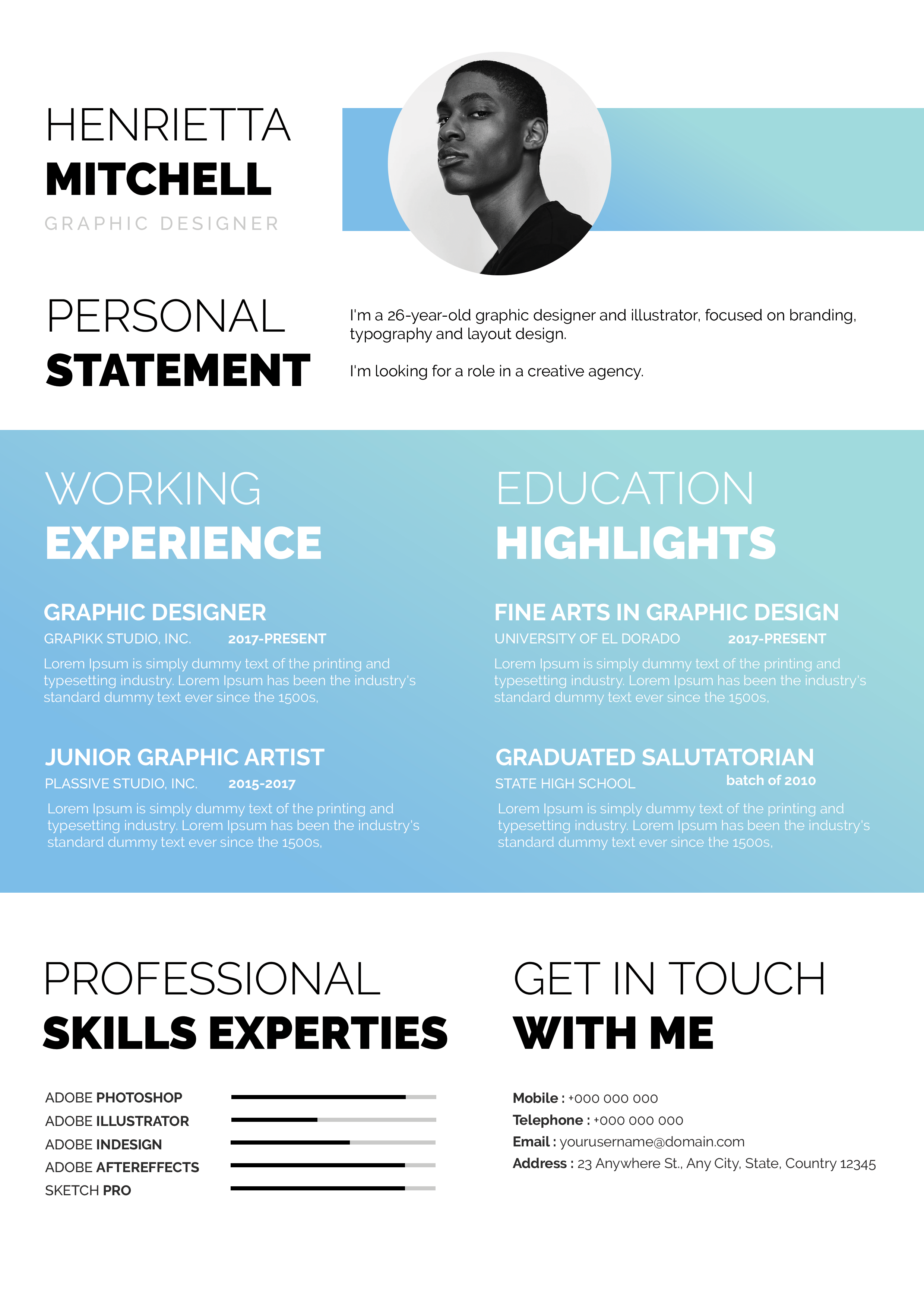
Free Photoshop Resume Template 46 is a spacious, image-led resume that combines a full-width portrait banner with a detailed two-column career layout. Warm yellow accents keep the page approachable while bold black headings provide clarity. It fits interior designers, architectural designers, and visual merchandising or hospitality design candidates who want to feature both personal presence and practical qualifications.
Design details
- A white base with golden yellow highlights, dark gray text, and a warm beige footer
- A wide photographic header with the applicant’s large name overlaid on the left
- Contact information placed cleanly in the upper-right white margin
- A broad left column for education and work history, plus a narrower right column for summary, qualifications, and software skills
- Percentage circles, small square icons, and bold mixed-color section headings
The hero image carries most of the personality. A close horizontal portrait fills the banner while the oversized yellow name sits over a pale area, followed by a strong black job title. The content below is information-rich but organized with generous gutters and repeated yellow labels. A beige footer adds extra room for achievements and interests without competing with the main history. The overall mood is confident, bright, and presentation-focused.
How to use it
- Download the ZIP file and open its PSD in Photoshop.
- Replace the banner photo with a wide, high-resolution portrait that leaves calm space behind the name.
- Update the contact line, education, experience, summary, qualifications, software percentages, awards, and hobbies.
- Reduce long bullets to one or two lines and keep percentage claims realistic.
- Review contrast over the photo, then export a PDF for applications or a JPG for online presentation.
Download
Download free-photoshop-resume-template-57.zip“>Download resume46.zip
Related templates
Find writing and formatting advice in the resume hub, then consult the branding guide before changing the yellow accent.
FAQ
Can I edit this resume in Photoshop?
Yes. The PSD supports text, color, icon, percentage, and photo changes in Photoshop.
What image composition works best?
Use a landscape portrait with the face positioned toward the center or right and a light, uncluttered region on the left for the name.
Is the footer required?
No. It is useful for awards and interests, but you can simplify the page by removing those secondary sections when a concise application is more appropriate.








