
What this template is for
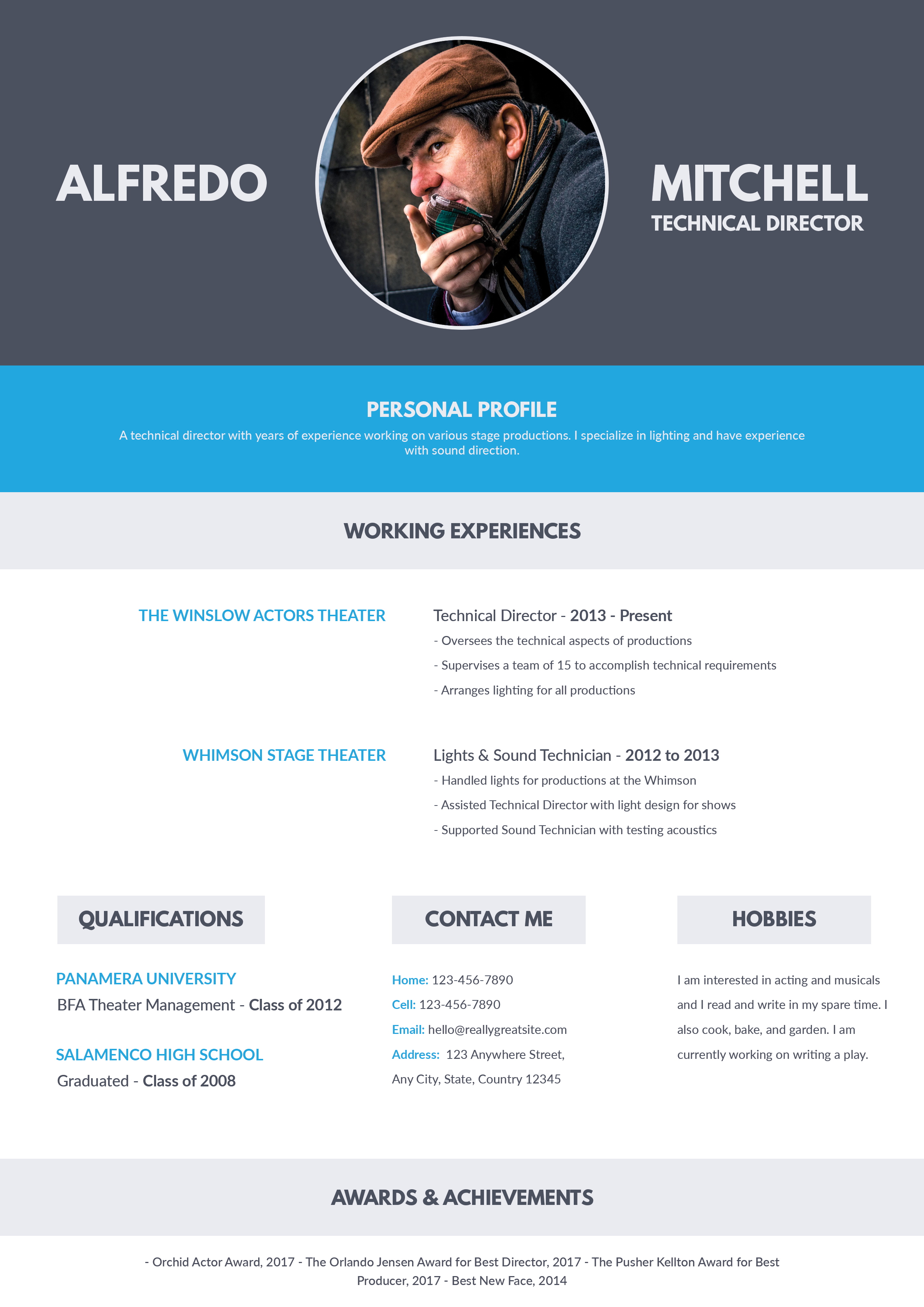
Free Photoshop Resume Template 44 presents a polished one-page resume with a restrained charcoal header and a bright blue profile sidebar. Its compact proportions suit applicants who need to fit education, two or more roles, a summary, and several skill groups onto one page. The design is a natural choice for multimedia designers, junior marketing professionals, and UI or digital content specialists.
Design details
- A dark charcoal nameplate paired with white, pale gray, and saturated blue
- A narrow contact strip directly below the header for mobile, email, and address
- A spacious main column for education and chronological work experience
- A blue right sidebar with a circular black-and-white portrait, summary, expertise, and software ratings
- Small line icons, compact bullets, and clean sans serif typography
The visual hierarchy is efficient and professional. The first name is set in a light weight while the surname is bold, giving the masthead a contemporary feel without becoming loud. In the main column, dates sit at the far right, leaving entries easy to scan. The circular portrait is the sidebar focal point, and the monochrome treatment keeps it cohesive with the charcoal header. Blue icons and section markers connect both columns while preserving plenty of white space.
How to use it
- Download the ZIP and open the editable source in Photoshop.
- Replace the circular headshot with a clear front-facing portrait and check that the face remains centered inside the mask.
- Edit the contact row, education, role dates, accomplishments, executive summary, and specialist skills.
- Adjust the software star ratings and remove unused entries rather than crowding the sidebar.
- Export as PDF for applications or JPG for a web portfolio preview.
Download
Download free-photoshop-resume-template-55.zip“>Download resume44.zip
Related templates
Visit the resume hub for practical resume advice and the branding guide for help choosing an accent color that fits your field.
FAQ
Can I edit this resume in Photoshop?
Yes. You can replace the text and portrait, recolor the blue areas, and customize ratings in the PSD.
How much content fits comfortably?
The structure supports two education entries and two detailed roles without losing clarity. Keep bullets short and outcome-focused so the compact type remains readable.
Does the blue sidebar dominate the page?
No. It occupies roughly one-third of the body and works as a visual index for personal information, leaving the wider white column for career evidence.








