
What this template is for
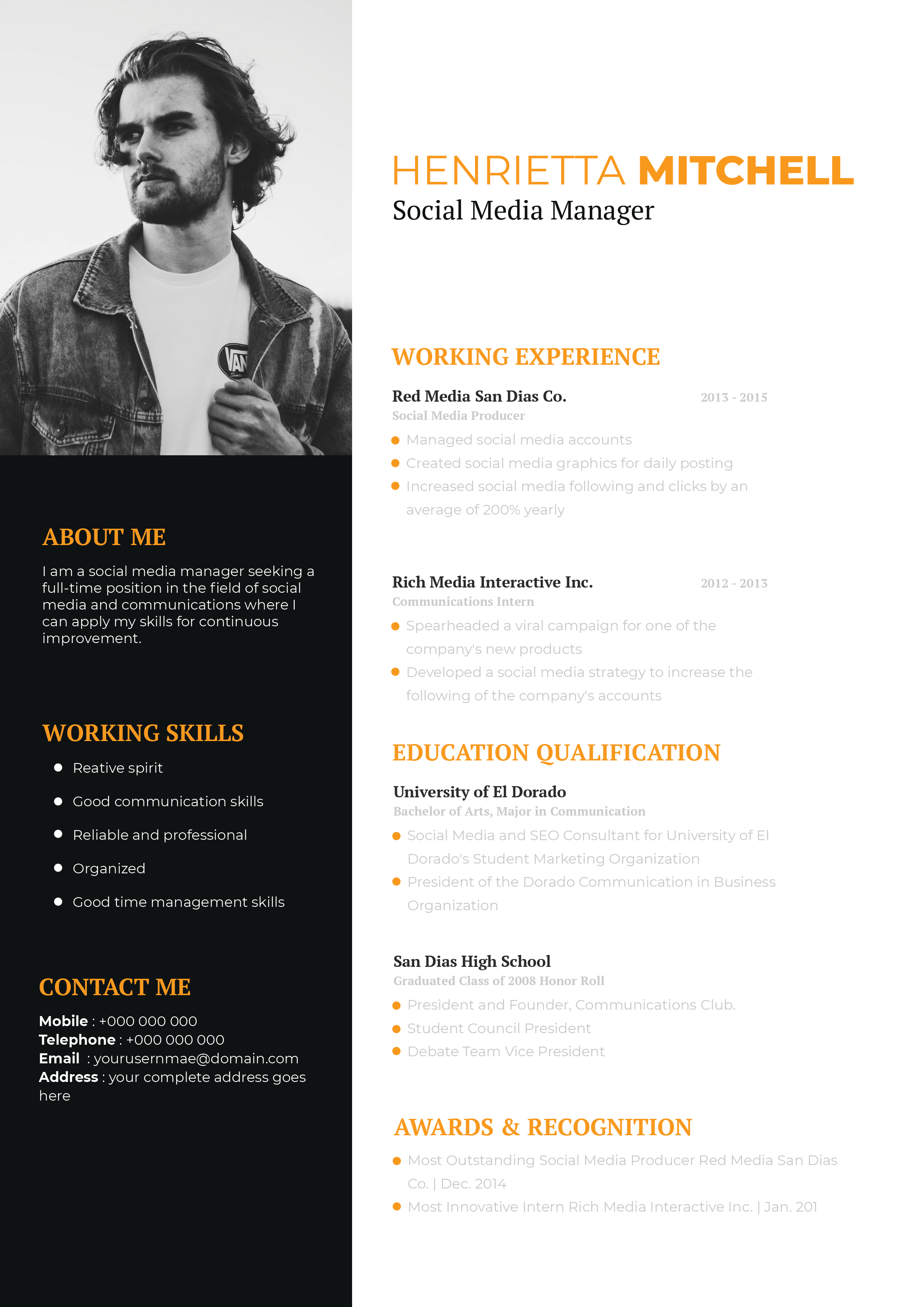
Free Photoshop Resume Template 39 uses a bold hot-pink and navy palette to give a conventional career history an energetic digital feel. It is a strong fit for a web developer, front-end designer, or creative technologist who wants an application that feels modern and personable. The large color fields are memorable, while the white experience column keeps the most important career details easy to navigate.
Design details
- A wide navy header with an oversized white name and widely spaced serif job title
- A large rectangular portrait filling the upper-right corner and aligning directly with the header
- A hot-pink left sidebar for the personal summary, skill bars, hobbies, and contact details
- A broad white right column divided into experience, education, and references by vivid pink title bands
- A simple vertical timeline with pink dots connecting employers, dates, roles, and short descriptions
The layout relies on strong blocks instead of decorative graphics. White typography keeps the saturated sidebar readable, while charcoal text on the main panel supports longer content. The skill meters repeat the navy and white contrast, and the timeline creates a logical path through the candidate’s work and education. The mood is direct, youthful, and technology-oriented without losing professional structure.
How to use it
- Download the ZIP file and open the PSD in Photoshop.
- Replace the wide portrait with a horizontal image that has open space around the face and shoulders.
- Update the name, web or digital specialty, summary, skills, hobbies, contact details, employment, education, and references.
- Keep timeline descriptions to one or two concise achievements so each row remains distinct.
- Adjust the pink and navy colors together if you need a different brand palette, then export a clean PDF for sharing.
Download
Download free-photoshop-resume-template-49.zip“>Download resume39.zip
Related templates
Use the resume hub to improve your career content, and check the branding guide before matching this strong palette to a portfolio or personal site.
FAQ
Can I edit this resume in Photoshop?
Yes. The PSD allows changes to the portrait, text, color panels, headings, timeline, and skill meters.
What should I change first?
Start with the navy identity header and photo, then replace every timeline entry. Review the sidebar afterward so its summary and tools reinforce the jobs you want.
Can I use it for job applications today?
Yes. It suits direct applications, recruiter emails, and portfolio presentations for digital roles. Check that the final PDF text remains selectable if you plan to upload it through an employer portal.








