
What this template is for
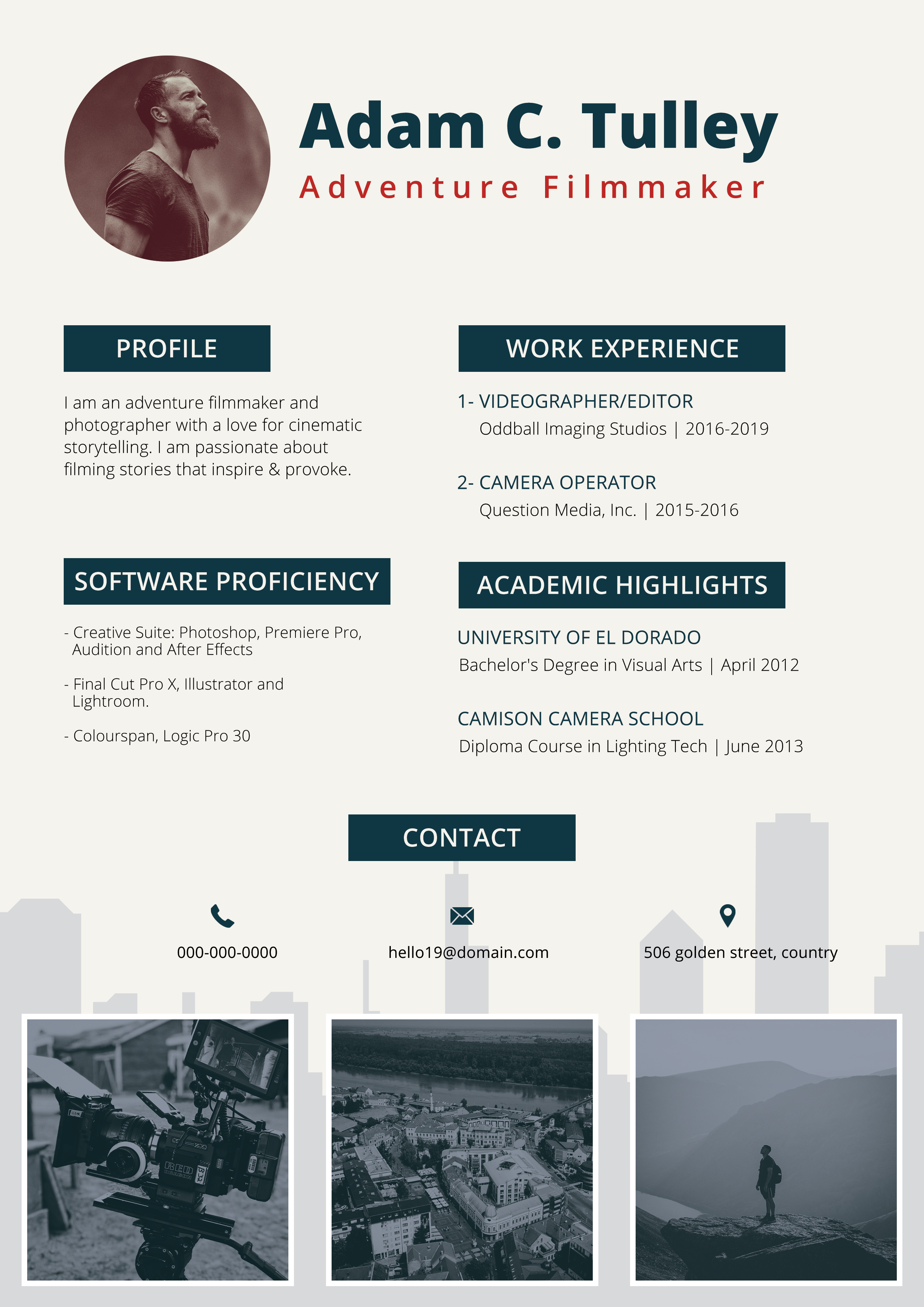
Free Photoshop Resume Template 113 is a portfolio-style resume for a visual storyteller. The preview places the page on a warm rust-colored desk with pencils and pushpins, while the actual resume combines a circular portrait, dark teal section bars, red title accents, and three photographic thumbnails. Its compact content and built-in image strip make it genuinely fitting for videographers, adventure filmmakers, and travel photographers who want a resume and mini portfolio on one page.
Design details
- A circular monochrome portrait opens the page beside a large dark teal name and widely spaced red specialty line
- Profile, software proficiency, work experience, and academic highlights are arranged in two clear upper columns
- Dark teal rectangular heading bars create strong navigation and give the small page a cinematic, production-oriented identity
- A centered contact band combines phone, email, and location icons over a subtle light gray city silhouette
- Three bordered image zones form a portfolio strip across the bottom, ideal for production stills, landscapes, or documentary work
- Muted gray body copy and restrained photography keep the mood adventurous but professional
How to use it
- Download the ZIP and open the editable Photoshop resume, not only the photographed desk preview.
- Replace the circular portrait and the three lower thumbnails with a visually consistent set of your strongest work.
- Update the profile, software list, recent production roles, academic highlights, and contact information.
- Use the red subtitle for a focused specialty such as documentary editor, drone operator, or outdoor filmmaker.
- Export a high-resolution PDF and confirm that all image credits or permissions are handled before distribution.
Download
Download free-photoshop-resume-template-16.zip“>Download resume113.zip
Related templates
resume hub and branding guide.
FAQ
Can I edit this resume in Photoshop?
Yes. The Photoshop source supports replacement of the portrait and portfolio images along with text, colors, icons, and section bars. Use clipping masks or existing image frames to preserve the thumbnail crops.
What should I change first?
Choose the three portfolio images first because they establish the visual story. Then refine the specialty line and profile so they explain the kind of productions, environments, or clients represented by those images.
Can I use it for job applications today?
Yes, especially when contacting production companies, outdoor brands, agencies, or freelance clients directly. Include a clickable portfolio link in the contact area, and prepare a text-first resume for automated portals because the image strip and two-column structure are presentation focused.








