
What this template is for
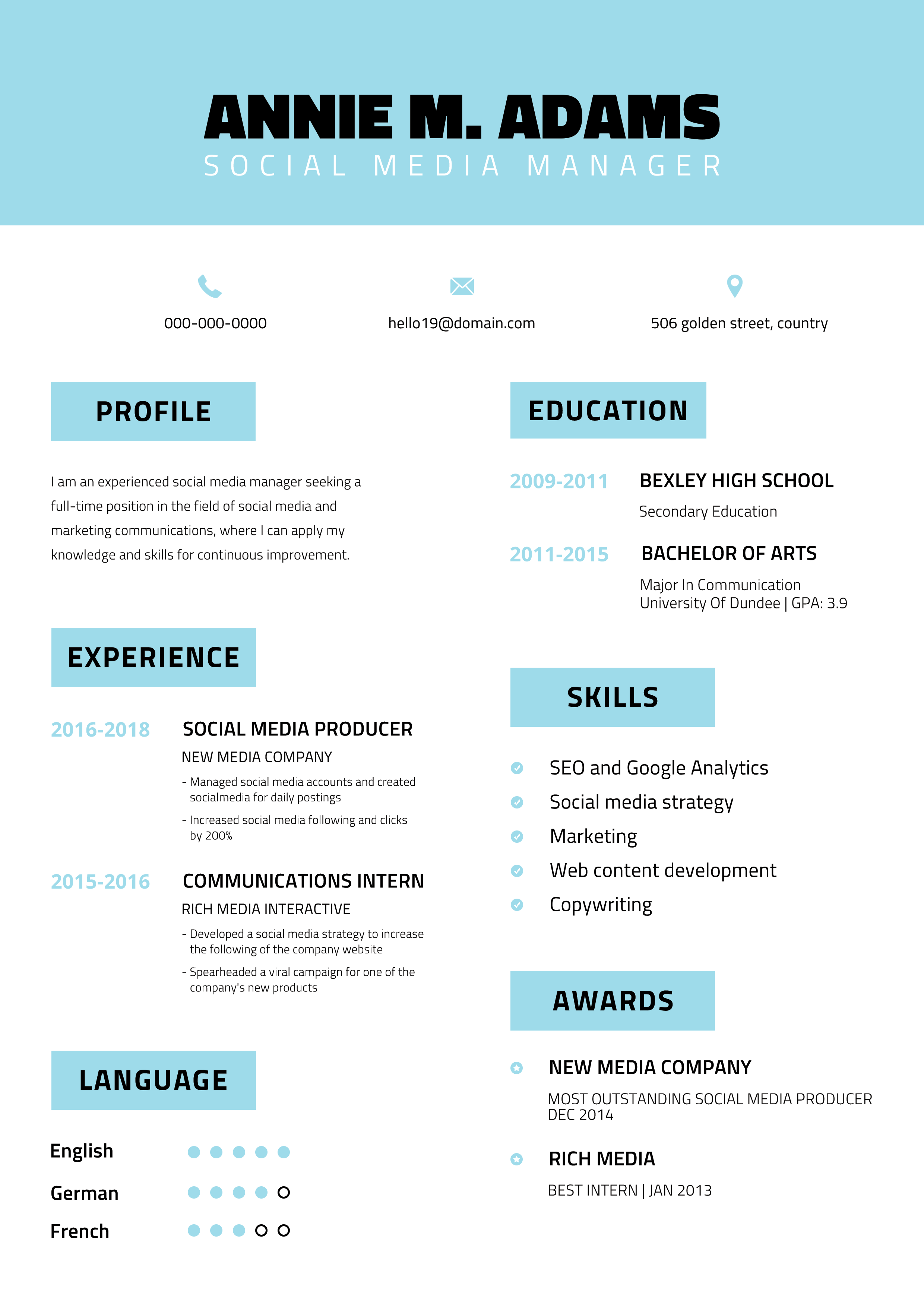
Free Photoshop Resume Template 112 is a friendly two-column resume with a pale aqua identity banner and clearly boxed section labels. The preview shows the printed page clipped to a wooden desk, but the resume itself is a clean white sheet designed for concise professional content. The sample social media manager positioning matches its upbeat color and accessible organization, making it useful for social media coordinators, communications assistants, and early-career digital marketers.
Design details
- A full-width aqua header centers a bold black uppercase name above a widely tracked white job title
- Phone, email, and location appear in a simple three-part contact row with small aqua icons
- The body splits into balanced columns, with profile, experience, and languages on the left and education, skills, and awards on the right
- Each section heading sits inside a pale aqua rectangle, producing a modular and easy-to-scan structure
- Condensed black typography feels direct and energetic, while aqua dates and markers guide the reader through supporting details
- Language proficiency uses small circles, and the skills and awards sections use matching round bullet icons
How to use it
- Download the ZIP and open the resume source file in Photoshop.
- Replace the centered name, job title, and contact row, making sure longer details remain evenly spaced.
- Write a compact profile and update the two experience entries with campaign results, audience growth, engagement, or content output.
- Edit the education, skills, awards, and language ratings, removing any module that does not strengthen your application.
- Export the clean resume as a PDF, reserving the wooden desk mockup for promotional or portfolio presentation.
Download
Download free-photoshop-resume-template-15.zip“>Download resume112.zip
Related templates
resume hub and branding guide.
FAQ
Can I edit this resume in Photoshop?
Yes. You can change every text block, aqua shape, icon, bullet, and language marker in Photoshop. Work with guides when moving modules so both columns retain consistent edges and spacing.
What should I change first?
Begin with the identity banner and contact information. Next, tailor the experience section around measurable communication results, then select skills and awards that support the specific social or marketing role.
Can I use it for job applications today?
Yes. The page is compact, readable, and well suited to direct applications for junior and mid-level communications roles. Since it uses columns and graphic markers, test the exported PDF and keep a linear text version for strict automated hiring portals.








