
What this template is for
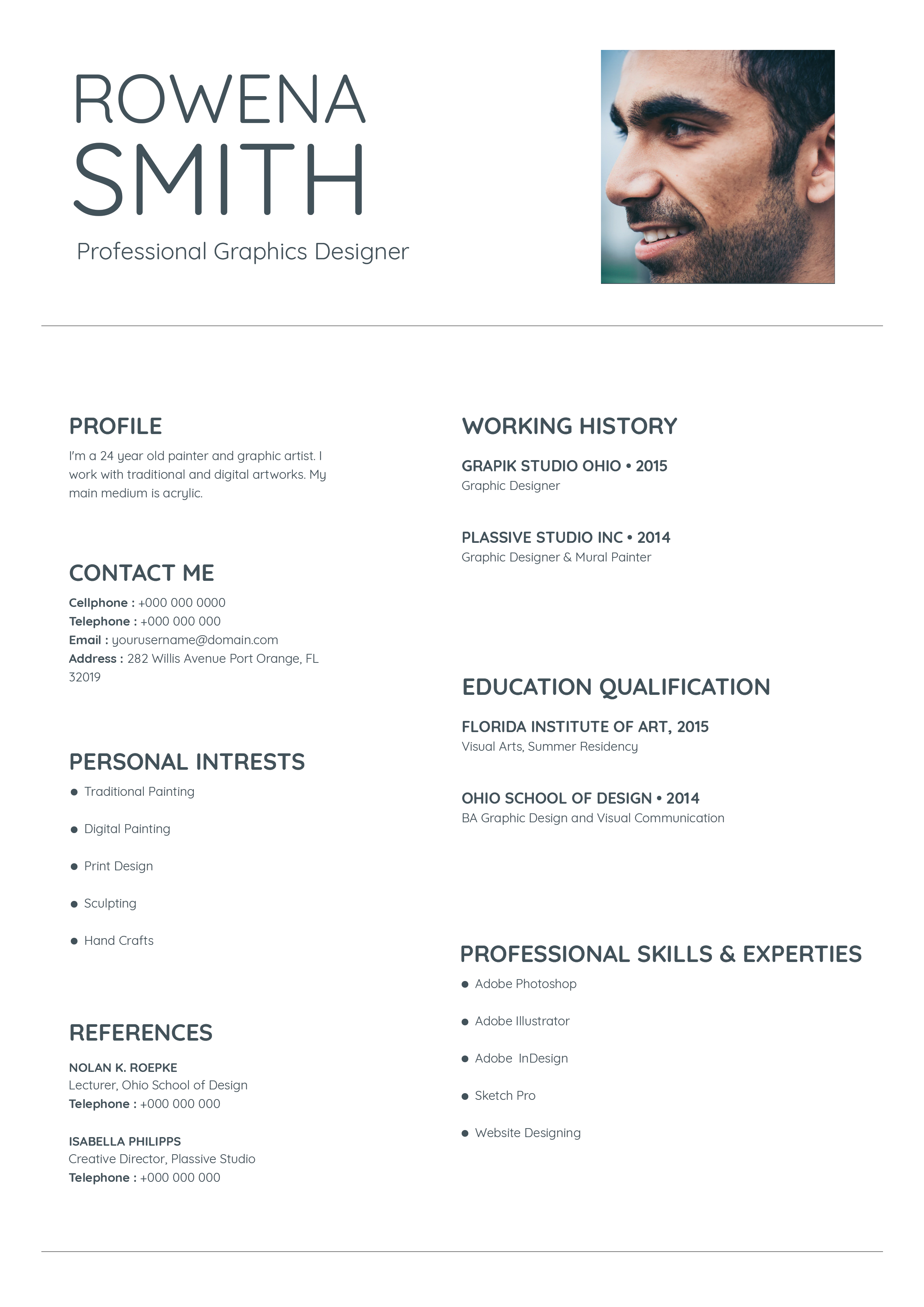
Free Photoshop Resume Template 49 is a fresh, modern resume that combines a friendly portrait masthead with a large blue gradient career band. Its concise one-page structure prioritizes a personal statement, recent experience, education, software skills, and contact information. It is a strong fit for graphic designers, junior art directors, and branding or layout specialists building an agency-focused application.
Design details
- A white foundation with a soft sky-blue to aqua gradient and black typography
- A circular monochrome portrait overlapping a slim horizontal gradient banner
- A bold two-line name block and widely spaced professional title
- A two-column blue middle section pairing work experience with education highlights
- A clean white lower section for software bars and contact details
The design mixes light sans serif display type with strong black boldface, creating a youthful editorial hierarchy. The personal statement sits across the top with plenty of breathing room, while the blue central panel holds the densest information in white text. Skill levels appear as simple horizontal bars rather than decorative charts. The portrait is cropped close and set in grayscale, which keeps attention on the candidate while allowing the gradient to remain the main color statement. Overall, the page feels optimistic, creative, and organized.
How to use it
- Download the ZIP and open the editable PSD in Photoshop.
- Replace the circular portrait with a high-contrast headshot and test a black-and-white treatment.
- Update the statement, two work entries, two education highlights, skills, and contact information.
- Resize the skill bars to reflect genuine proficiency and keep descriptions short enough for the blue columns.
- Export a PDF for applications and check that white text remains crisp at normal zoom.
Download
Download free-photoshop-resume-template-60.zip“>Download resume49.zip
Related templates
Explore the resume hub for application tips and the branding guide for selecting a gradient that complements your portfolio.
FAQ
Can I edit this resume in Photoshop?
Yes. The PSD lets you replace the portrait and text, adjust the gradient, and change the software bars.
Can the blue gradient be recolored?
Yes. A violet, green, or brand-specific gradient can work, but preserve strong contrast with the white career text.
How much experience does the layout support?
It is optimized for two recent roles and concise descriptions. That makes it ideal for early-career creatives or experienced applicants presenting only their most relevant projects.






