
What this template is for
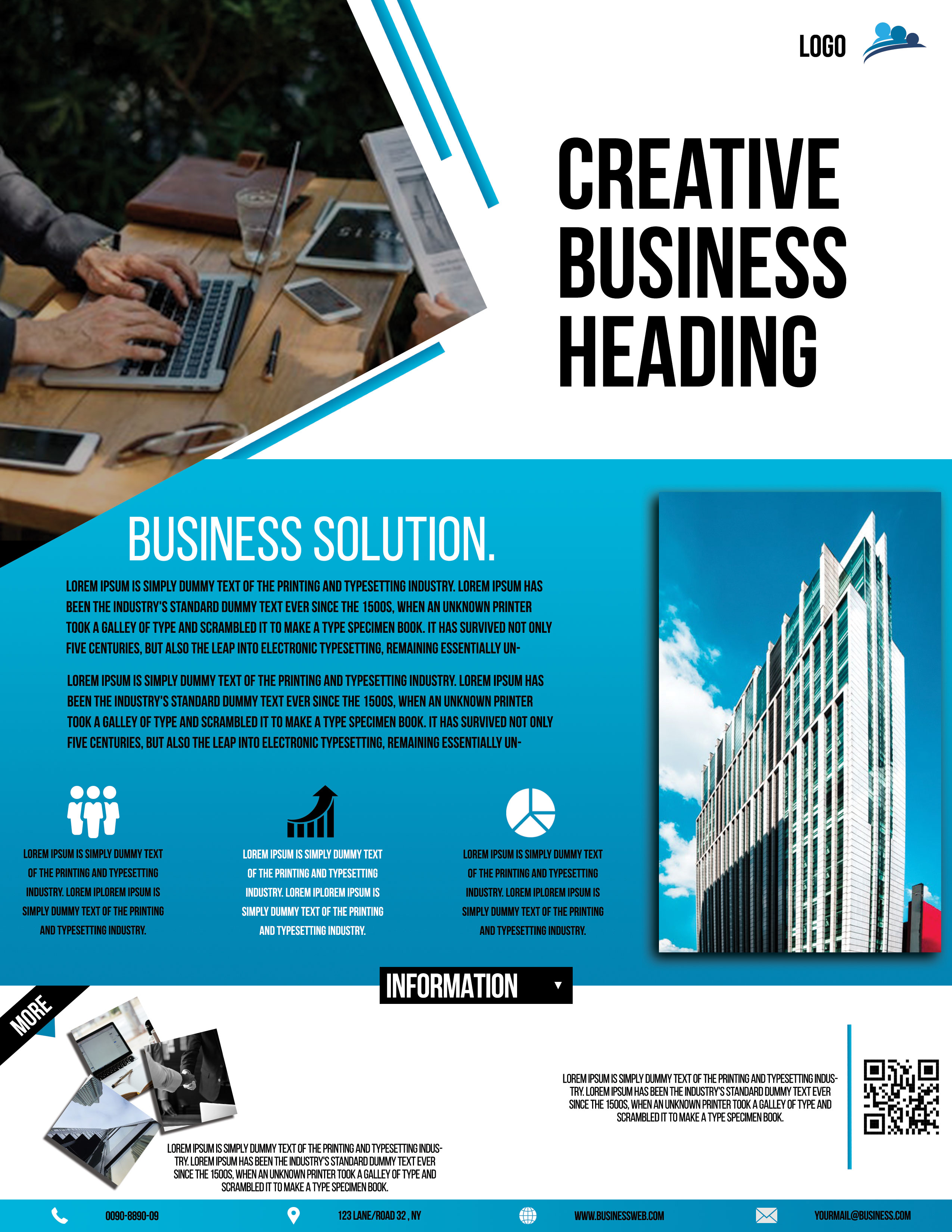
Free Corporate Business Photoshop Flyer Template 24 is an energetic, architecture-focused company flyer with a bold editorial feel. It is well suited to architecture studios, commercial property firms, construction consultants, and business development agencies. The design moves from a dramatic introductory collage into a bright cyan information field, giving you room to explain a solution, highlight three benefits, and direct readers to contact details. It can serve as a property services handout, a project proposal cover, or a conference giveaway.
Design details
- An angular photo of a laptop meeting occupies the upper left, framed by white wedges and paired cyan stripes that point toward the headline.
- The upper right is clean white space with an oversized condensed black title and a small logo positioned near the top edge.
- A vivid cyan-blue middle panel carries the “Business Solution” heading, two compact paragraphs, and three evenly spaced icon-and-text feature blocks.
- A tall architectural photograph overlaps the blue panel on the right, using a drop shadow to give the page a layered, dimensional quality.
- The white information footer includes a small photo collage, a centered black label, a short description, and a prominent QR code.
- A final cyan contact bar uses simple phone, location, web, and email icons for fast scanning.
How to use it
- Download the ZIP file and open the layered PSD in Photoshop.
- Replace the logo and condensed headline, keeping the title short enough to retain its strong stacked shape.
- Swap the meeting and building photographs with images from the same project, service category, or property portfolio.
- Condense your core offer into the main description, then use the three icons for benefits such as teamwork, growth, and planning.
- Generate a working QR code, update the contact bar, and export at high resolution after checking every small text block.
Download
Download free-corporate-business-photoshop-flyer-template-13.zip“>Download Flyer-Design-24.zip
Related templates
Find other strong compositions in the best flyer templates roundup and more editable options in the business flyer hub.
FAQ
Can I edit this flyer in Photoshop?
Yes. The PSD lets you customize the photos, headline, feature icons, text, colors, logo, QR code, and contact details.
Does the design require an architecture photo?
No, but a vertical image with strong lines works best. Consider a finished building, product tower, hotel interior, or tall equipment shot.
What mood does this flyer create?
The condensed typography, angular framing, and saturated cyan color make it feel ambitious, modern, and results oriented.







