
What this template is for
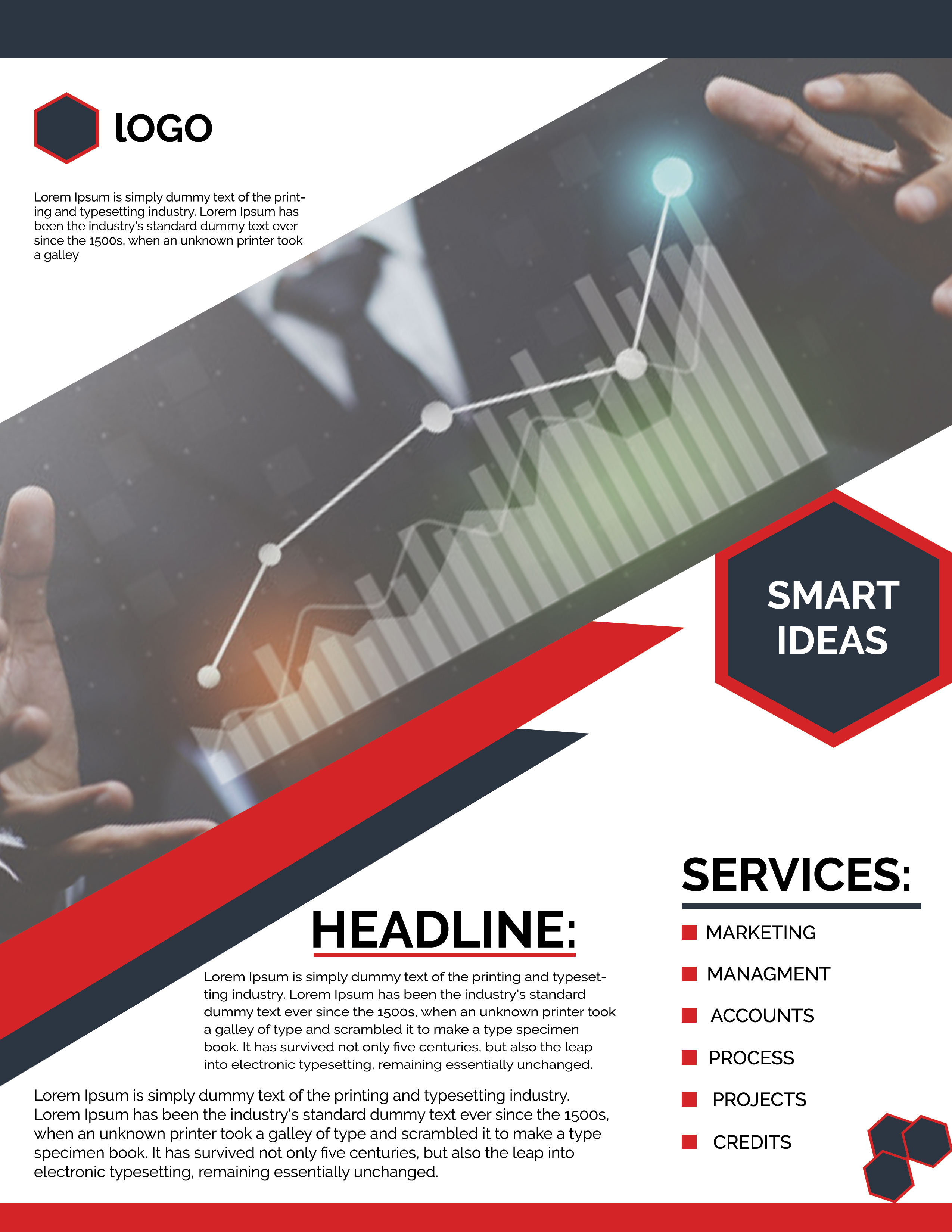
Free Corporate Business Photoshop Flyer Template 21 is a sharply angled red, charcoal, black, and white business flyer built around growth and analytics imagery. It works for a marketing consultancy capabilities sheet, a management and accounting services promotion, or a business strategy seminar. The diagonal photo treatment and hexagonal “Smart Ideas” badge give it a confident, modern, data-driven mood.
Design details
- A dark charcoal top bar and an upper-left logo area with a red-outlined hexagon
- A large diagonal hero photograph showing a businessperson interacting with charts and a rising line graph
- Layered red and charcoal diagonal ribbons cutting across the transition into the content area
- A prominent dark hexagonal badge with a double red border for a short “Smart Ideas” message
- A bold black headline with a red underline, followed by centered descriptive copy
- A right-side services list with red square bullets for marketing, management, accounts, process, projects, and credits
How to use it
- Download the ZIP file and open the PSD in Photoshop.
- Replace the logo and short introductory copy in the upper-left white panel.
- Swap the analytics hero image for a wide business photograph that remains recognizable under the diagonal crop.
- Write a brief main headline, update the badge phrase, and customize the service list to match your actual offering.
- Condense the supporting paragraphs, check alignment around the angled shapes, and export for print or digital sharing.
Download
Download free-corporate-business-photoshop-flyer-template-10.zip“>Download Flyer-Design-21.zip
Related templates
Find more bold layouts in the best flyer templates roundup and additional editable company promotions in the business flyer hub.
FAQ
Which services fit the right-side list?
The existing structure is ideal for marketing, management, finance, operations, and project consulting. Replace generic labels with six short, parallel service names for the cleanest result.
What kind of hero image should I choose?
Use a landscape-oriented image with the key subject near the center or right. Analytics screens, presentation scenes, or strategic planning visuals complement the growth-focused geometry.
Can the “Smart Ideas” badge become a call to action?
Yes. Replace it with a short action such as “Book a Call” or “Grow With Us.” Keep the phrase to two or three brief lines so it remains balanced inside the hexagon.







