
What this template is for
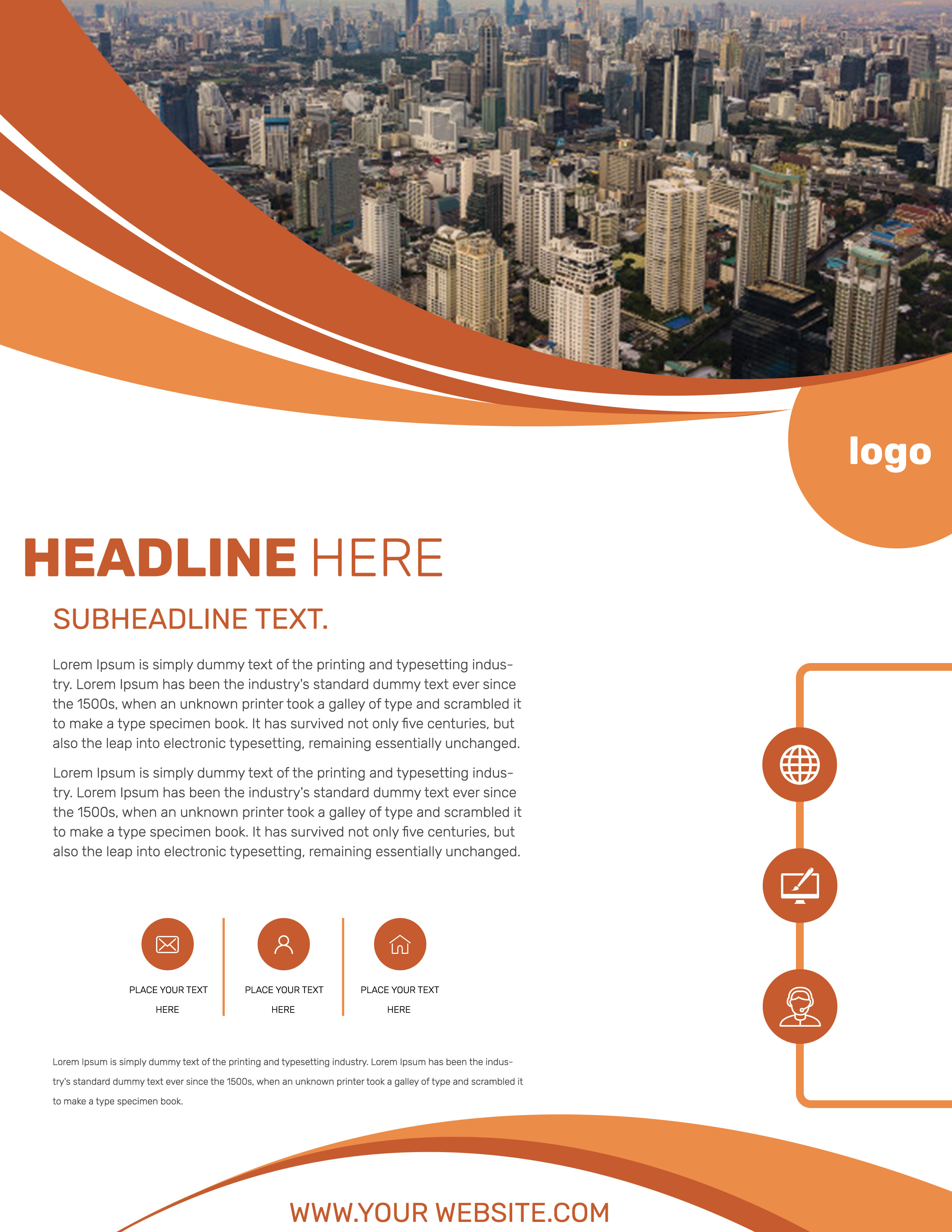
Free Corporate Business Photoshop Flyer Template 20 is a clean orange-and-white company flyer with a city-focused visual identity. It suits an urban consulting firm profile, a property or development services overview, or a local technology and support campaign. Sweeping orange curves and a large skyline photograph create forward movement, while the broad white center keeps the information approachable and professional.
Design details
- A wide aerial city image at the top, cropped by layered burnt-orange, bright-orange, and white waves
- A circular orange logo tab hanging from the upper-right curve
- A large two-weight headline, orange subheadline, and two restrained paragraphs aligned left
- Three small circular contact or benefit icons separated by slim vertical orange rules
- A right-edge outlined pathway with globe, computer, and support-person icons
- Matching curved orange footer shapes that frame a centered website address
How to use it
- Download the ZIP and open the PSD source in Photoshop.
- Replace the skyline with a city, development, or location image that supports your company story.
- Add your logo, headline, and subheadline, then reduce the two body paragraphs to the most useful client information.
- Use the three small icons for contact channels or key benefits, and turn the right-side sequence into three service or process stages.
- Update the website at the bottom and export a high-resolution print copy plus a smaller online version.
Download
Download free-corporate-business-photoshop-flyer-template-9.zip“>Download Flyer-Design-20.zip
Related templates
Browse the best flyer templates roundup or see more structured company designs in the business flyer hub.
FAQ
What industries suit the city image?
Property services, urban development, local consulting, telecom, and technology support are all strong fits. You can also replace the skyline with an industry-specific landscape while keeping the orange framework.
What should the right-side icons represent?
They can show a three-step client journey, such as discovery, digital delivery, and support. They can also summarize three service categories if a process is not relevant.
Can I use a different brand color?
Yes. Recolor both sets of waves, the logo tab, icons, rules, and headings together. A medium or deep brand color will maintain good contrast against the large white content area.







