
What this template is for
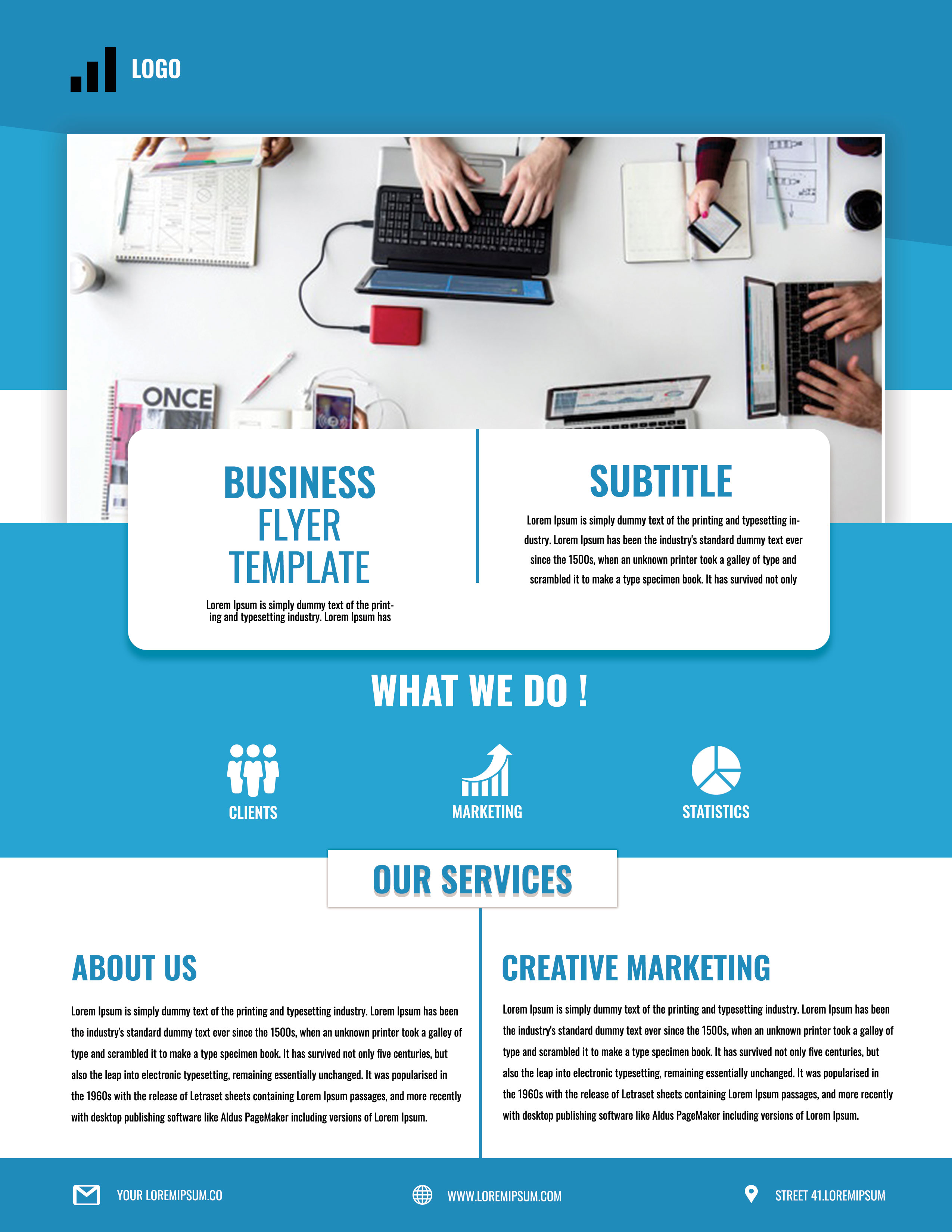
Free Corporate Business Photoshop Flyer Template 17 is a bright blue business flyer designed around teamwork, marketing, and service communication. It fits a creative agency overview, a small consultancy capability sheet, or a marketing workshop and client event. The bold condensed typography, infographic icons, and large collaborative workspace photograph create an energetic, practical mood rather than a formal executive look.
Design details
- A blue header with a minimal bar-chart logo and a large team-at-work photograph framed in white
- A rounded white information card overlapping the hero image, divided into headline and subtitle columns
- Tall condensed blue display lettering paired with compact black supporting copy
- A blue “What We Do” band with simple white icons for clients, marketing, and statistics
- An “Our Services” label bridging into a two-column lower section for company and creative-marketing copy
- A blue footer with email, website, and location icons for quick contact scanning
How to use it
- Download the ZIP and open the PSD in Photoshop.
- Replace the logo, main title, subtitle, and introductory text with your company’s clearest value proposition.
- Swap the overhead workspace photograph for a wide team, office, or project image with room for the overlapping card.
- Rename the three “What We Do” items and replace the lower copy with a short company overview and one featured service.
- Update every footer contact field, proofread the compact text, and export for print or digital distribution.
Download
Download free-corporate-business-photoshop-flyer-template-6.zip“>Download Flyer-Design-17.zip
Related templates
Find more layouts in the best flyer templates roundup and the business flyer hub.
FAQ
What businesses suit this flyer?
Marketing studios, digital agencies, business coaches, and small consulting teams are natural fits. The client, marketing, and statistics icons make it especially useful for results-oriented service companies.
How should I use the two lower columns?
Use the left side for a brief company story and the right side for a flagship service or campaign. Keep both sections similar in length to preserve the balanced split layout.
Can I change the blue brand color?
Yes. Replace the blue across the header, bands, rules, and headings with one consistent brand color, then confirm that white icons and text still have strong contrast.







