
What this template is for
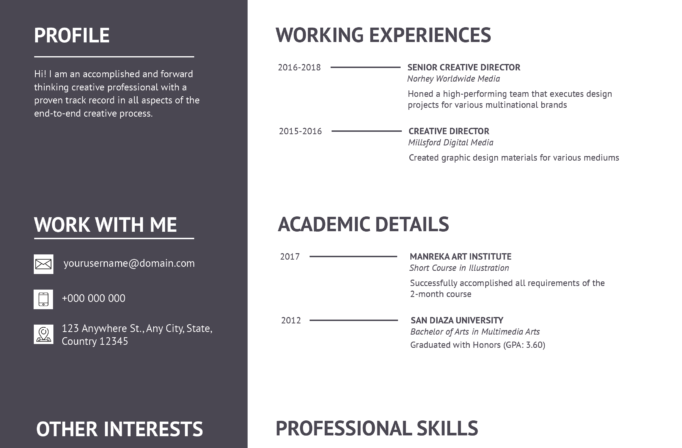
Free Photoshop Resume Template 83 is a spacious, monochrome resume for professionals who want a polished profile with plenty of supporting detail. The design balances a large personal introduction with structured sections for education, employment, awards, skills, references, and contact information. Its formal black, white, and soft gray palette is especially fitting for finance managers, business administrators, and experienced operations professionals who need a substantial resume that still feels orderly.
Design details
- A wide light-gray header combines a large circular black-and-white portrait, an oversized name, a job title, and a profile summary separated by a fine vertical rule.
- The white body uses a balanced two-column grid, with education, awards, and references on the left and work history, skill ratings, and contact details on the right.
- Clean geometric sans-serif typography mixes light section labels with bold keywords and heavy name styling for a confident corporate feel.
- Small medal and contact icons add visual cues, while five-dot rating scales make personal skills easy to scan.
- Generous margins and strong alignment keep the information-dense page calm rather than crowded.
How to use it
- Download the ZIP file and open the editable source in Photoshop.
- Replace the circular portrait with a high-resolution headshot and convert it to grayscale to retain the restrained visual style.
- Update the name, profile summary, education, work history, awards, references, and contact information. Keep descriptions concise so the two columns stay visually balanced.
- Adjust the filled and outlined skill dots to reflect your actual proficiency, then proofread every date and contact detail.
- Export a high-quality PDF for applications or a JPG for online portfolio previews.
Download
Download free-photoshop-resume-template-98.zip“>Download resume83.zip
Related templates
Browse the resume hub for practical application advice, or use the branding guide to coordinate the typography, portrait, and monochrome palette with your professional identity.
FAQ
Can I edit this resume in Photoshop?
Yes. The source file is intended for Photoshop editing, so you can replace the portrait and revise the text, icons, colors, spacing, and skill indicators.
What should I change first?
Begin with the portrait and large header because they establish the page’s identity. Then tailor the profile summary and work experience before updating supporting sections such as awards and references.
Can I use it for job applications today?
Yes, particularly for roles that value a traditional but contemporary presentation. Because this is a highly visual two-column layout, also keep a plain text version available when an employer requests an ATS-focused resume.








