
What this template is for
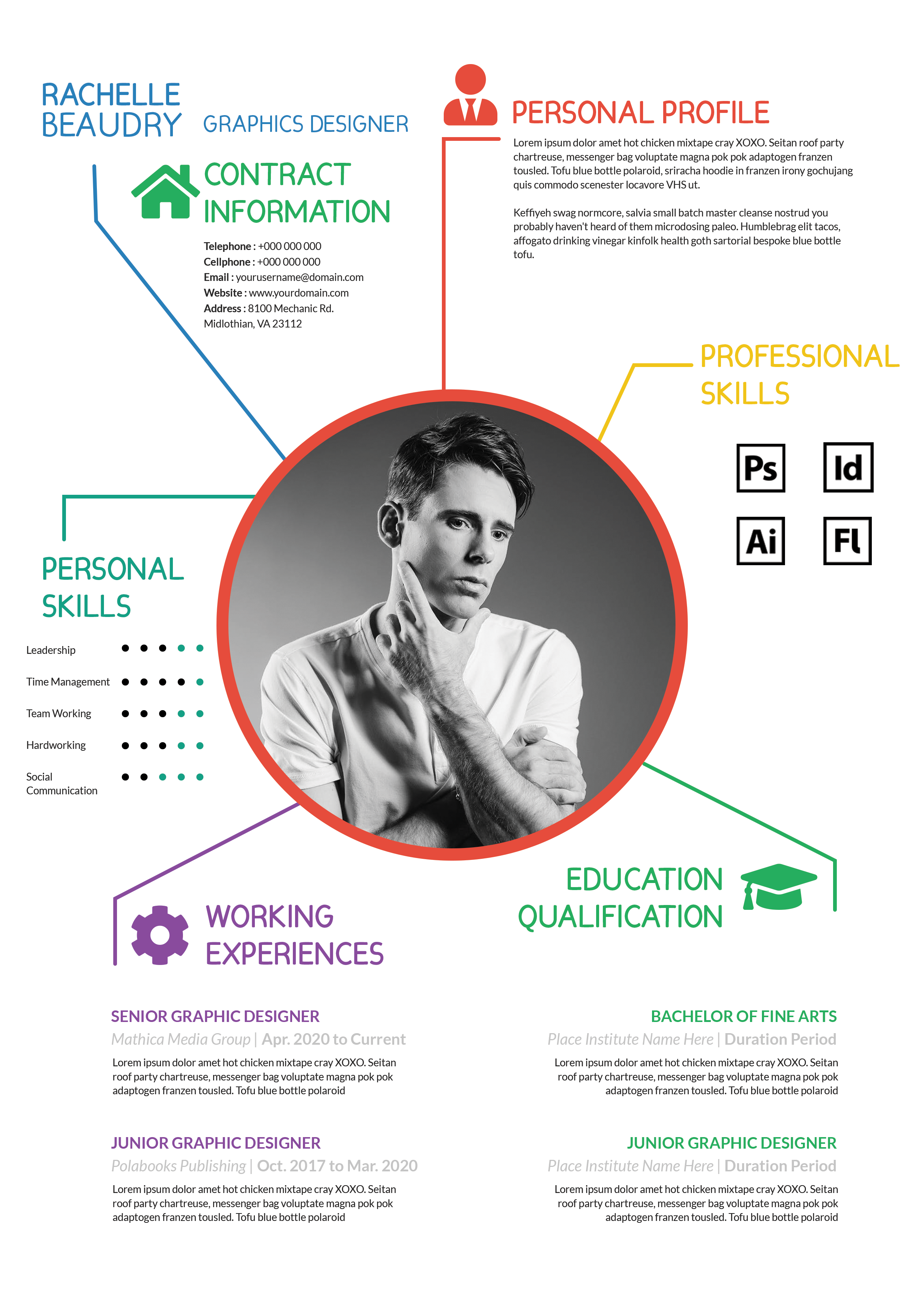
Free Photoshop Resume Template 76 is a polished one-page resume with a broad red header and a clean white content area. It is designed for applicants who want a professional layout with just enough personality to stand apart. The balanced structure suits graphic designers, advertising professionals, communications specialists, and other candidates who need space for both career history and qualifications.
Design details
- A brick-red banner spans the page top, placing the large first name, bold surname, and role on the left.
- A circular black-and-white headshot overlaps the header near the right, creating a clear personal focal point without dominating the page.
- A full-width profile summary introduces the candidate before the layout divides into two columns for work experience and education.
- Small red bullets, red subheadings, pale gray dates, and black sans-serif text create a restrained corporate-editorial feel.
- Dot-based ratings organize professional and language skills, while a compact contact block keeps practical details easy to locate.
The overall mood is confident, approachable, and orderly. Unlike highly decorative creative resumes, this design keeps most of the page white and gives the writing room to breathe. It works particularly well for candidates with two or three substantial roles, a concise education history, and skills that can be summarized visually.
How to use it
- Download the ZIP file and open the source file in Photoshop.
- Replace the header name, role, and portrait, then rewrite the profile summary in two short paragraphs.
- Enter your most relevant jobs and education in reverse chronological order, keeping bullet points brief and outcome focused.
- Adjust the skill and language dots, verify the contact information, and export a PDF for applications or a JPG for online sharing.
Download
Download free-photoshop-resume-template-90.zip“>Download resume76.zip
Related templates
Visit the resume hub for practical resume guidance and the branding guide for help adapting the red accent to your professional identity.
FAQ
Can I edit this resume in Photoshop?
Yes. You can update every text area, recolor the red header and accents, change the rating dots, and replace the circular portrait.
What should I change first?
Begin with the header and profile summary, then edit the two main columns. Keep dates and supporting labels light so the employer names and job titles remain prominent.
Can I use it for job applications today?
Yes. Its clear hierarchy works for emailed applications, interviews, and creative-industry networking. Always check that the exported PDF remains readable at normal viewing size.








