
What this template is for
Free Photoshop Resume Template 73 is an approachable, content-rich resume built for communications professionals. Its muted sage-green header, cream section labels, and wide landscape format create a calm editorial look. The sample targets a social media manager, making the layout genuinely useful for social strategists, content marketers, and community managers who need room for work history, education, references, specialties, and interests.
Design details
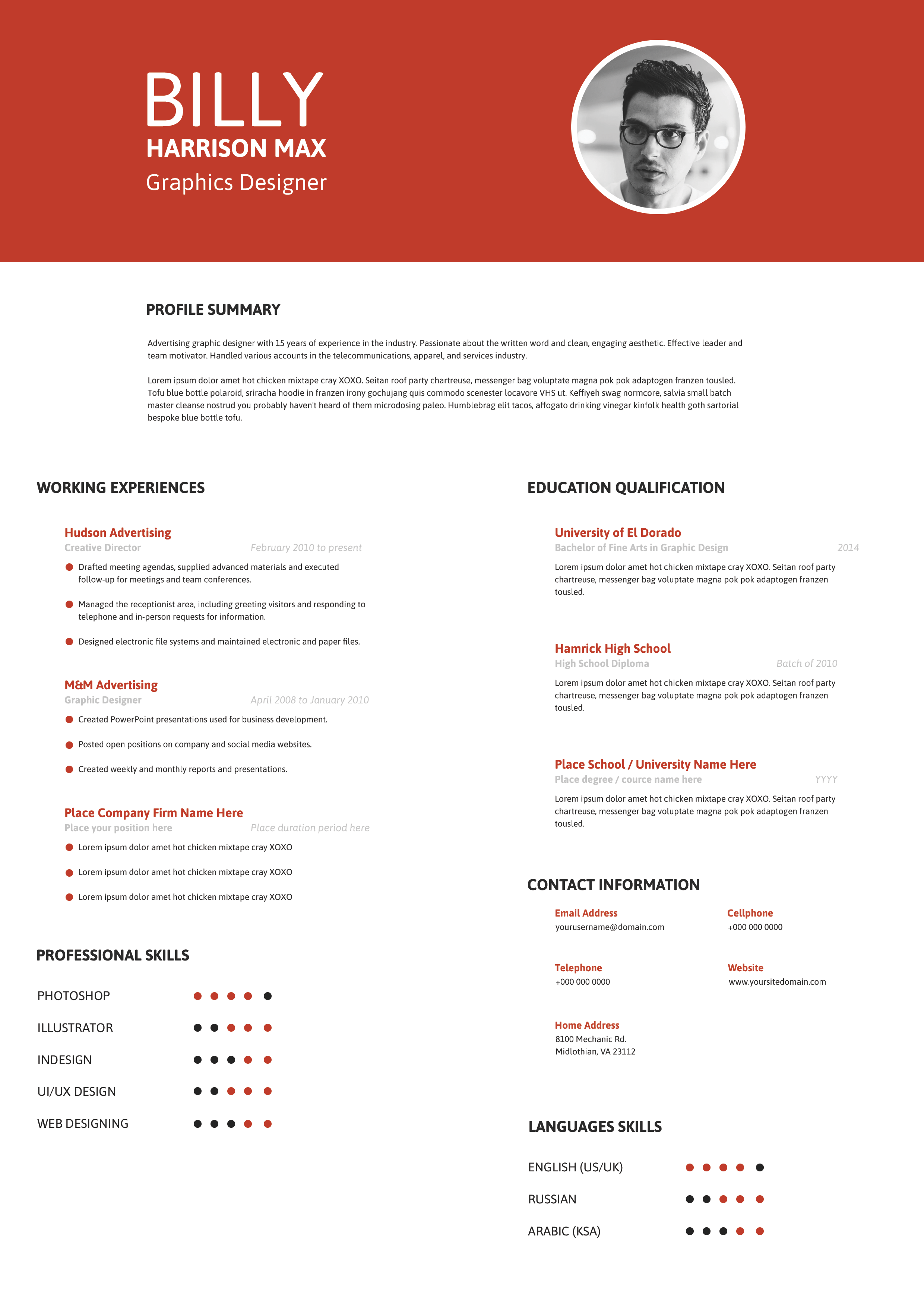
- A broad green masthead carries the candidate name and role in large white sans-serif type, while a rectangular portrait occupies the upper-right corner.
- The page uses a wide main column for experience and education plus a narrower sidebar for profile, contact details, references, and specializations.
- Green title bars organize the primary career sections, while pale cream bars distinguish sidebar headings and soften the overall presentation.
- Roles and dates appear in bold green type, with italic employer lines and short black descriptions underneath.
- A final hobbies and interests area uses simple green outline icons for active, outdoor, gaming, and music interests.
The understated palette feels friendly, reliable, and contemporary. Ample white space balances the many text sections, and the horizontal header gives the candidate’s personal brand immediate visibility.
How to use it
- Download the ZIP file and open the resume source in Photoshop.
- Replace the header portrait with a clear landscape crop that keeps the face away from the outer edge.
- Update the name, role, profile, work history, education, contact information, references, and specialization list.
- Use each role description for campaign outcomes, audience growth, engagement improvements, editorial systems, or channel ownership.
- Swap the hobby icons if they do not represent you, verify that text fits cleanly, and export the final design as a high-resolution PDF.
Download
Download free-photoshop-resume-template-87.zip“>Download resume73.zip
Related templates
Browse the resume hub for more communication-focused layouts, then use the branding guide to coordinate the sage palette with your website or social profiles.
FAQ
Who benefits most from this layout?
Social media managers, content marketers, communications coordinators, community leads, and corporate bloggers can all use its detailed but approachable structure.
Can I remove the references section?
Yes. Replace it with selected campaigns, platform certifications, key metrics, client categories, or a small tools list if references are not requested.
Should I keep the hobby icons?
Only if they add useful personality. You can change the symbols and labels, reduce the number, or turn the space into languages, memberships, or volunteer activities.








