
What this template is for
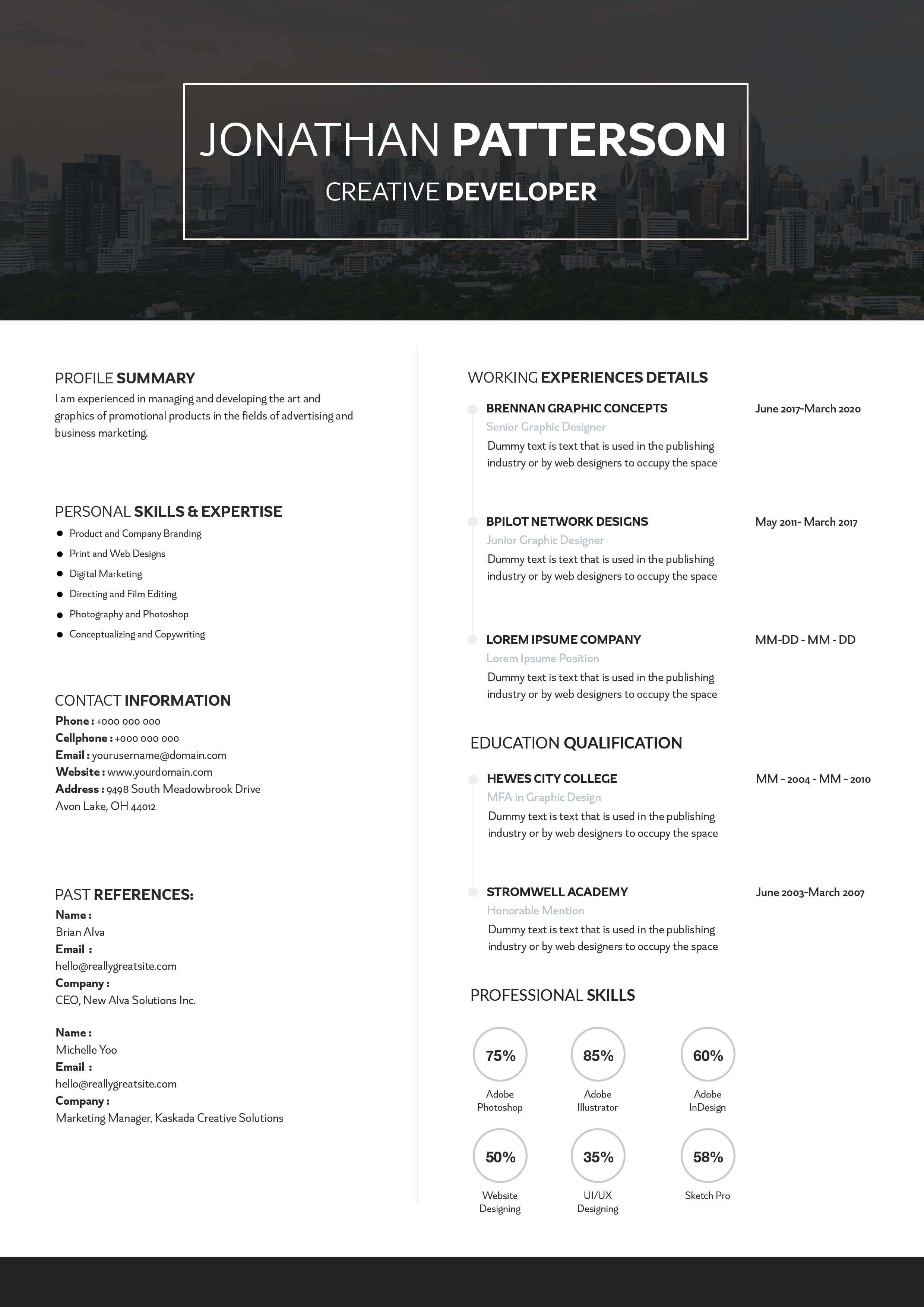
Free Photoshop Resume Template 64 is a highly structured technical resume with a warm cream body and a dark charcoal identity panel. Its detailed grid, certification area, percentage badges, and chronological sections fit web developers, application developers, and technical consultants who need to present many qualifications on one page.
Design details
- The top header is split between a charcoal profile block and a pale beige summary block. A circular portrait, two-tone red and cream name, and compact job title create a direct introduction.
- Red is used sparingly for section labels, employer names, contact icons, circular outlines, and emphasis, giving the neutral black-and-cream layout an energetic technical accent.
- The body follows a dense multi-column grid. About-me and certification text occupy the left, while dated employment and academic qualifications run down the right.
- Six outlined circles display percentage-based technical skills, with a second row of circles reserved for spoken languages.
- Small sans serif text and tight spacing produce an information-rich, analytical mood rather than a decorative portfolio look.
How to use it
- Download the ZIP file and open the PSD source in Photoshop.
- Replace the circular headshot with a clean, evenly lit portrait that remains clear at a small size.
- Update the objective, contact details, profile, certifications, work history, education, technical skills, and languages. Use concise bullets and remove placeholder rows you cannot support.
- Treat percentages as meaningful evidence. If exact scores feel arbitrary, replace them with proficiency labels such as advanced, working knowledge, or foundational.
- Check every small text block at print size, then export a high-resolution PDF for applications.
Download
Download free-photoshop-resume-template-77.zip“>Download resume64.zip
Related templates
The resume hub can help you refine dense technical content, while the branding guide explains how to adapt the charcoal, cream, and red palette consistently.
FAQ
Can I edit this resume in Photoshop?
Yes. You can change the text, portrait, colors, circular ratings, icons, and individual content blocks in the PSD.
What should I change first?
Start with your headline, technical specialty, and latest role. Then organize certifications and education by relevance before adjusting the skill and language circles.
Can I use it for job applications today?
Yes, particularly for direct applications to development agencies, software teams, and consulting firms. The small type rewards careful PDF export, and a simpler text version is advisable for strict applicant tracking systems.








