
What this template is for
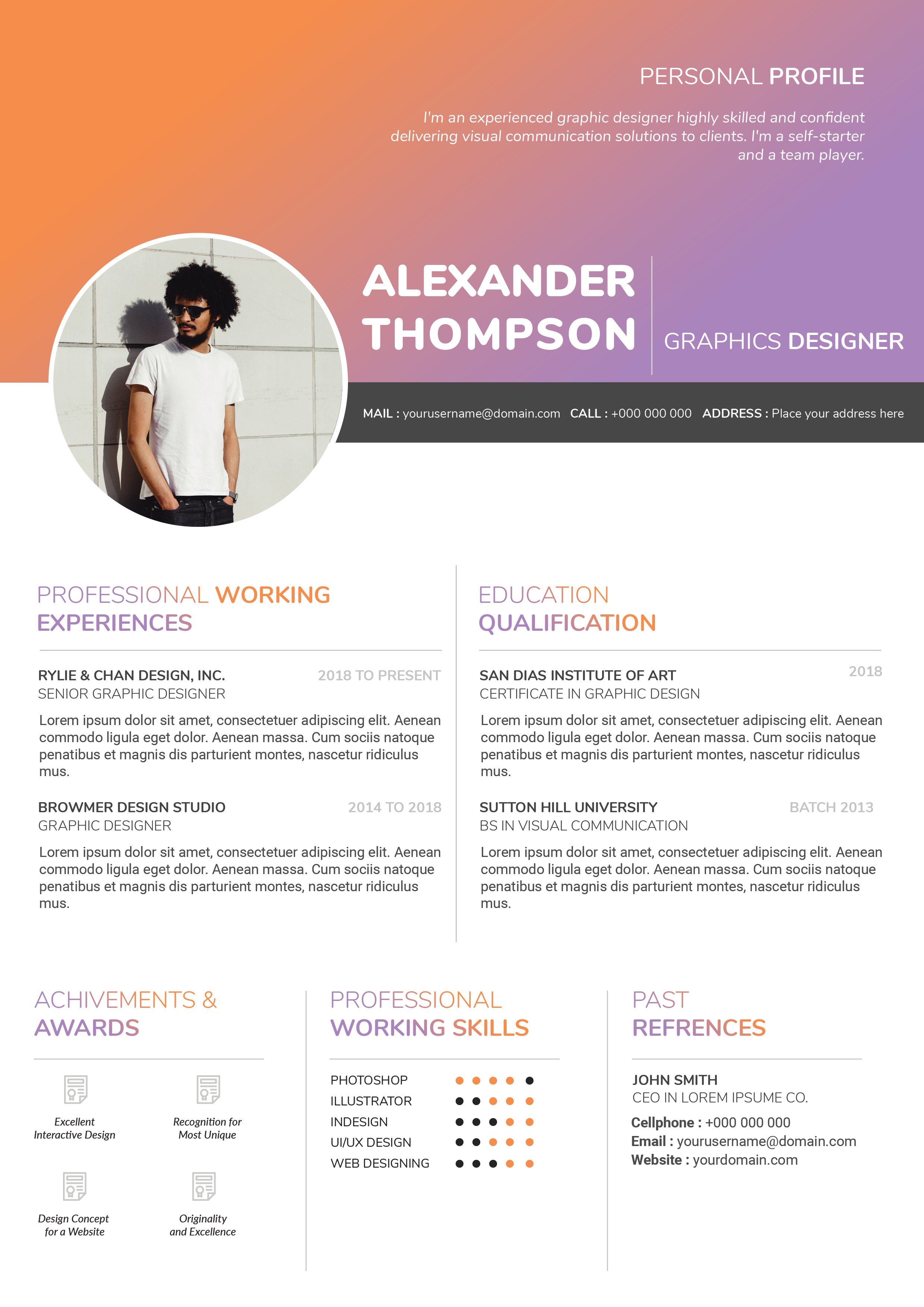
Free Photoshop Resume Template 57 is a dramatic two-column resume that combines portrait photography, a mountain landscape, and a structured monochrome information panel. The left side creates an outdoors-inspired personal brand, while the right side presents experience, software skills, and awards in a conventional reading order. It is a strong choice for graphic designers, outdoor-brand creatives, and photographers or adventure-industry marketers whose visual identity benefits from rugged imagery.
Design details
- The left half uses a taupe-gray background with a large circular portrait near the top and a snowy mountain photograph covering the lower area.
- Oversized white uppercase lettering centers the candidate name and professional title beneath the portrait.
- White icons and fine rules organize About Me, education achievements, and personal skills over the dark scenic background.
- The white right column begins with a compact contact block, then moves through working experience, professional skills, and awards.
- Experience entries use black square markers, bold job titles, pale italic company names, and dates aligned at the far right.
- Horizontal black-and-gray bars show software proficiency, while simple medal and certificate icons form an awards grid.
The design feels confident, adventurous, and portfolio-driven. Its strong contrast keeps the main career content readable, while the photographic side adds atmosphere. Careful photo selection is important because both images occupy major visual zones.
How to use it
- Download the ZIP file and open the layered design in Photoshop.
- Replace the circular portrait with a high-resolution waist-up image and swap the mountain scene for a landscape relevant to your personal brand.
- Update the summary, education, personal strengths, contact information, roles, software skills, and awards.
- Adjust the image tint and background tone together so white text remains readable across the entire left column.
- Export a print-ready PDF and inspect the text over the landscape at full-page and normal viewing sizes.
Download
Download free-photoshop-resume-template-69.zip“>Download resume57.zip
Related templates
Use the resume hub to refine your achievements, and read the branding guide before choosing replacement photography for this image-led layout.
FAQ
Can I edit this resume in Photoshop?
Yes. You can replace both photographs, update every text area, recolor the design, and modify the skill bars and award icons.
Do I need to use a mountain photograph?
No. A forest, cityscape, studio texture, or work-related scene can fit, as long as it is dark enough to support white overlay text.
Is this appropriate for conservative roles?
The image-heavy design is strongest in creative and lifestyle fields. For highly traditional applications, consider pairing it with a simpler text-only version.








