
What this template is for
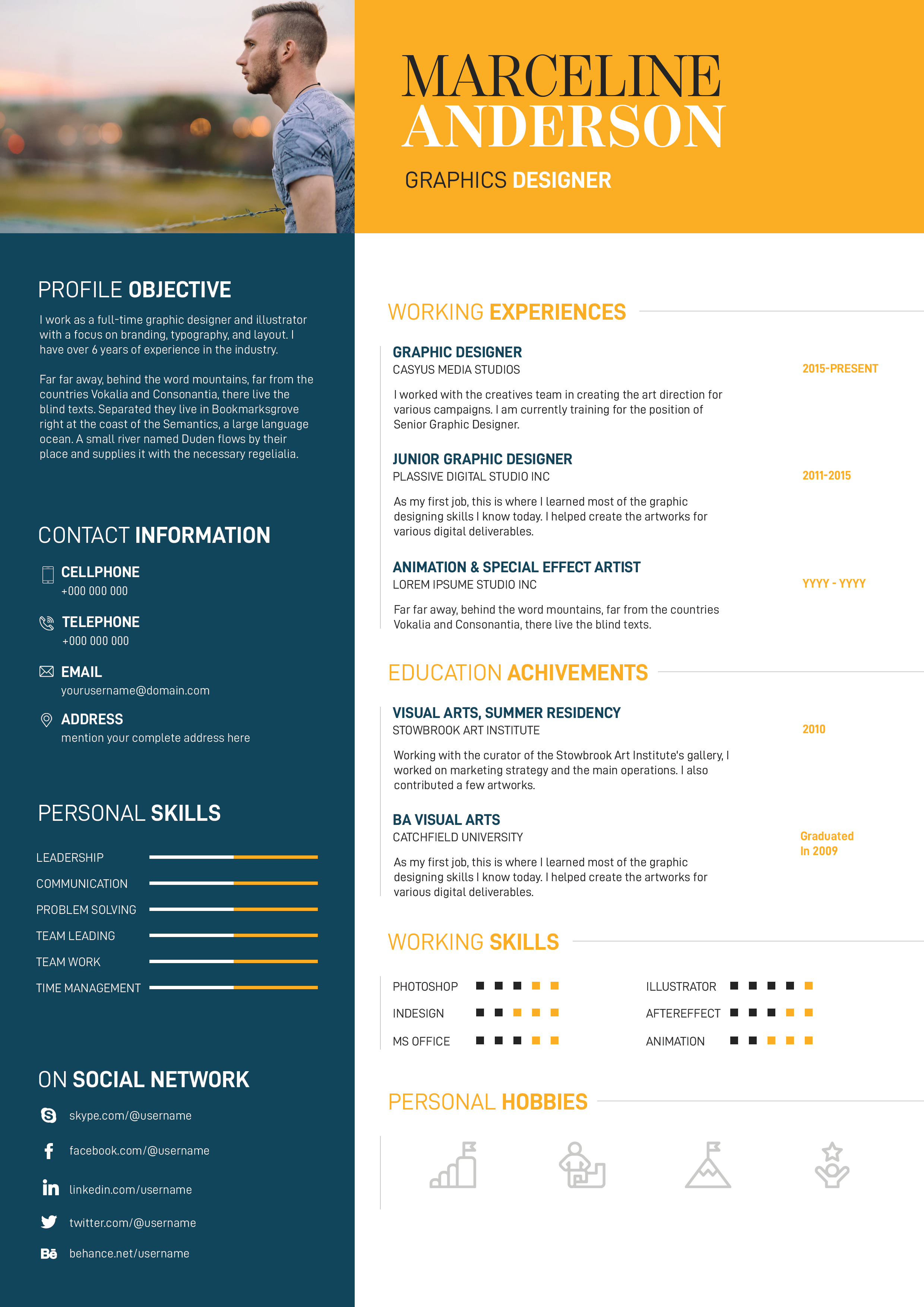
Free Photoshop Resume Template 56 is a compact, one-page resume with an airy blue gradient header and a neatly divided white content area. It offers a lighter and more restrained interpretation of a creative resume, using color as an accent instead of a full-page statement. The layout is particularly suitable for social media managers, communications coordinators, and graphic or content designers who need a polished visual summary with room for achievements and contact details.
Design details
- A broad sky-blue-to-aqua header holds a white-bordered hexagonal portrait beside the candidate name and role.
- Tall condensed white lettering gives the identity area a crisp, contemporary feel, while the smaller title stays highly legible.
- A centered career objective spans the page beneath the header, creating a calm introduction with substantial white space.
- The middle section uses two equal columns for working highlights and education, each formatted as a simple vertical timeline.
- Pale blue rules and headings connect the body to the header without overpowering the black text.
- The bottom row separates certificate achievements from contact information, using light outline icons and a tidy grid.
The result feels fresh, friendly, and efficient. It is more compact than a traditional text-heavy resume, so it works best when each experience entry includes a brief role summary and only the most relevant details.
How to use it
- Download the ZIP file and open the editable Photoshop document.
- Insert a clear headshot into the hexagonal photo frame and confirm that the crop still reads well at the smaller display size.
- Replace the name, title, objective, work history, education, certificates, email, phone number, and address.
- Shorten paragraphs before reducing type size, since the open white space is central to the design.
- Export a high-quality PDF and inspect the pale blue labels and fine dividers at normal viewing scale.
Download
Download free-photoshop-resume-template-68.zip“>Download resume56.zip
Related templates
Find writing and layout advice in the resume hub, and consult the branding guide if you want to reuse the blue gradient across a portfolio or cover page.
FAQ
Can I edit this resume in Photoshop?
Yes. The Photoshop source allows you to change the text, gradient, portrait, icon labels, timeline content, and dividing lines.
How much experience should I include?
The compact format is best with two or three highly relevant roles. Summarize impact clearly and move older or unrelated positions to a longer CV.
What image works in the hexagonal frame?
Use a simple head-and-shoulders portrait with the face near the center. A clean or softly blurred background will keep the angled crop readable.








