
What this template is for
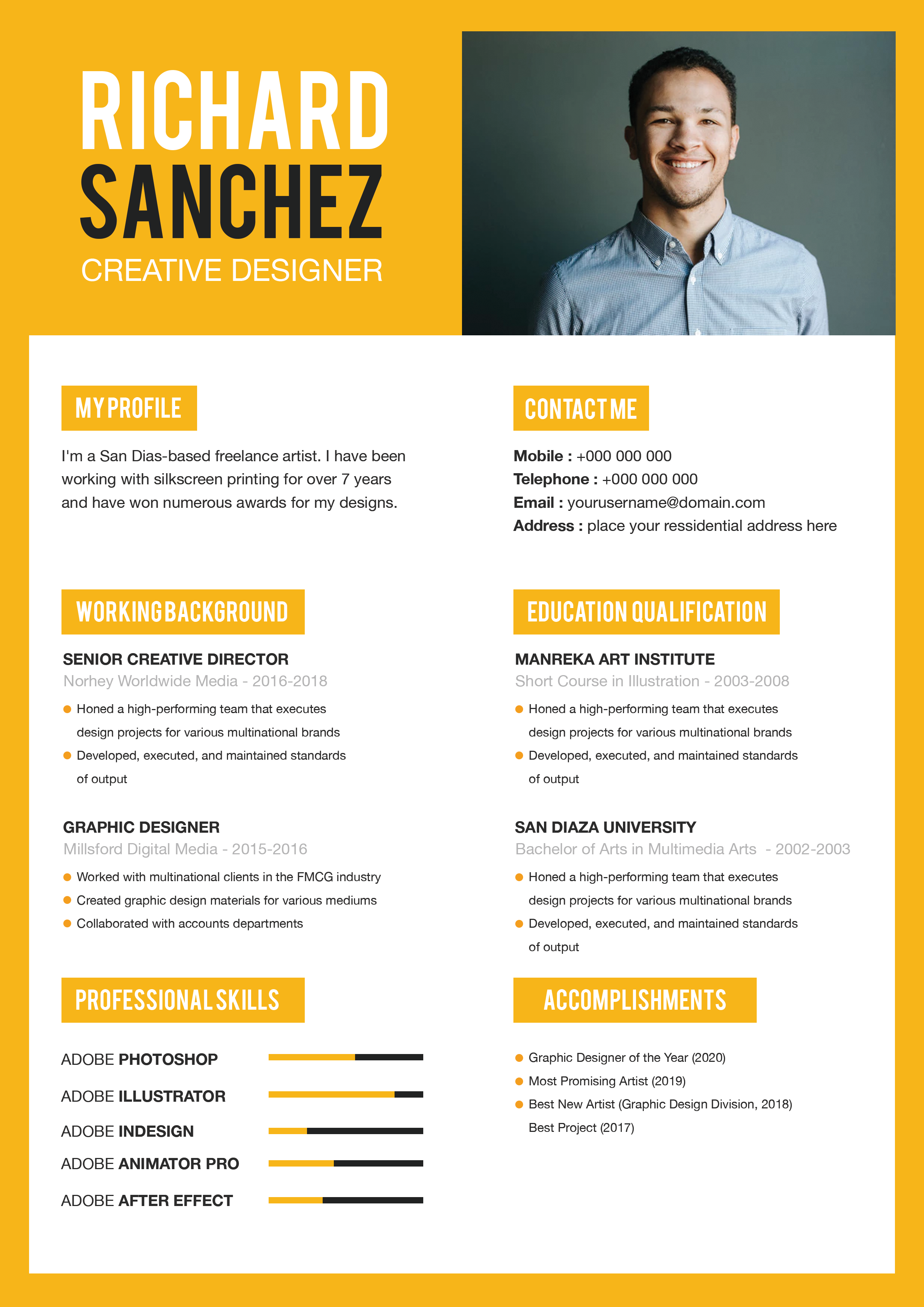
Free Photoshop Resume Template 48 is a monochrome executive resume with a dramatic photographic introduction and a spacious, report-like body. It gives senior candidates room to summarize leadership history, education, references, and expertise without resorting to colorful decoration. The style is especially fitting for operations leaders, management consultants, and corporate strategy or business development executives.
Design details
- A black, white, and soft gray palette with a dark, blurred landscape header
- An oversized uppercase name and widely tracked corporate title
- A large circular black-and-white portrait overlapping the header and white content area
- Three-column professional history, two-column education, and a three-part contact footer
- Heavy sans serif headings paired with restrained gray metadata and readable body copy
The page has a composed, cinematic mood. Its dark top panel establishes authority, while the white lower area feels calm and analytical. The circular portrait creates the only major overlap and leads directly into a short profile statement. Below, broad spacing and aligned columns resemble an annual report or leadership biography. Muted role details keep emphasis on section titles and achievement narratives. A thoughtful black-and-white portrait and a subtle background image are important to preserving this sophisticated tone.
How to use it
- Download the ZIP and open the PSD in Photoshop.
- Replace both the circular portrait and dark header background, maintaining enough contrast for the white name.
- Edit the executive profile, three career entries, qualifications, contact details, reference, and expertise list.
- Use achievement-driven summaries with figures where possible, and remove placeholder references unless permission has been obtained.
- Export to PDF, then inspect the pale gray text on screen and in print for sufficient contrast.
Download
Download free-photoshop-resume-template-59.zip“>Download resume48.zip
Related templates
Use the resume hub to sharpen executive accomplishments and the branding guide to coordinate imagery and typography.
FAQ
Can I edit this resume in Photoshop?
Yes. Photoshop can be used to replace the imagery, rewrite every section, and adjust the grayscale styling.
What portrait suits this design?
Use a serious, well-lit professional portrait with a simple background. Converting it to black and white helps it blend with the header.
Should references appear on the resume?
Only include one when it adds value and the person has agreed. Otherwise, use that space for a board role, certification, or another high-impact expertise area.








