
What this template is for
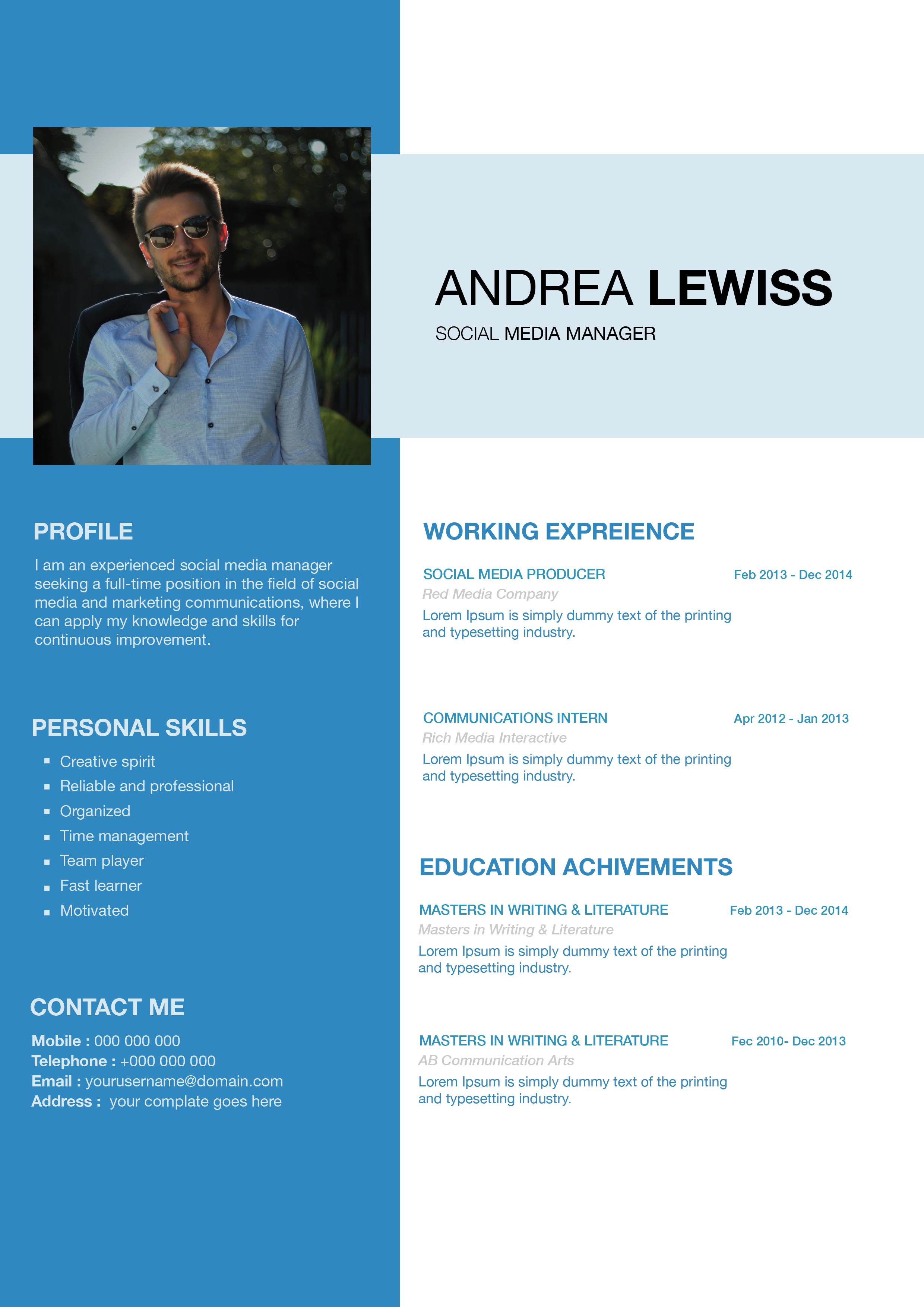
Free Photoshop Resume Template 38 is a bright, geometric resume designed to make a confident visual statement. The vivid cyan accents, oversized rectangular portrait, angular white overlay, and spacious two-column arrangement fit an illustrator, comic artist, or junior visual designer. Its portfolio-like presentation is especially useful when personality and creative identity matter alongside qualifications.
Design details
- A large portrait zone across the upper-left, cropped by a sharp diagonal white shape for a dynamic layered effect
- A wide cyan name banner on the upper-right with large white uppercase type and a smaller job title
- A slim left column for profile, interests, and contact information, framed by fine cyan vertical rules
- A larger right column for education, achievements, work experience, and professional skills
- Cyan section headings, horizontal divider lines, italic detail text, and circular percentage indicators
The page uses a mostly white background, allowing the saturated blue to function as a strong directional accent. Dates align on the far right, while institution names and job titles form clear rows. At the bottom, a large cyan wedge balances the diagonal portrait crop above. The overall mood is energetic, precise, and contemporary, with more visual impact than a conventional office resume.
How to use it
- Download the ZIP file and open the PSD source in Photoshop.
- Replace the large portrait, checking that the face and shoulders remain visible above the diagonal crop.
- Update the name, title, profile, interests, contact details, education, achievements, experience, and skills.
- Keep entries compact and align dates consistently to preserve the generous spacing in the right column.
- Adjust skill percentages honestly, change the cyan accent if required, and export a high-resolution PDF or image.
Download
Download free-photoshop-resume-template-48.zip“>Download resume38.zip
Related templates
Browse the resume hub for content advice, and see the branding guide before adapting the cyan blocks to your illustration or portfolio palette.
FAQ
Can I edit this resume in Photoshop?
Yes. You can replace the photograph, rewrite every text area, recolor the accent shapes, and update the circular skill graphics.
What should I change first?
Begin with the large photo and blue identity banner. Then edit the right-column chronology and remove any sections that do not support your target role.
Can I use it for job applications today?
Yes. It works best for creative studios, freelance pitches, and portfolio submissions. Because the composition is highly visual, keep a simpler resume available for employers using strict automated screening.








