
What this template is for
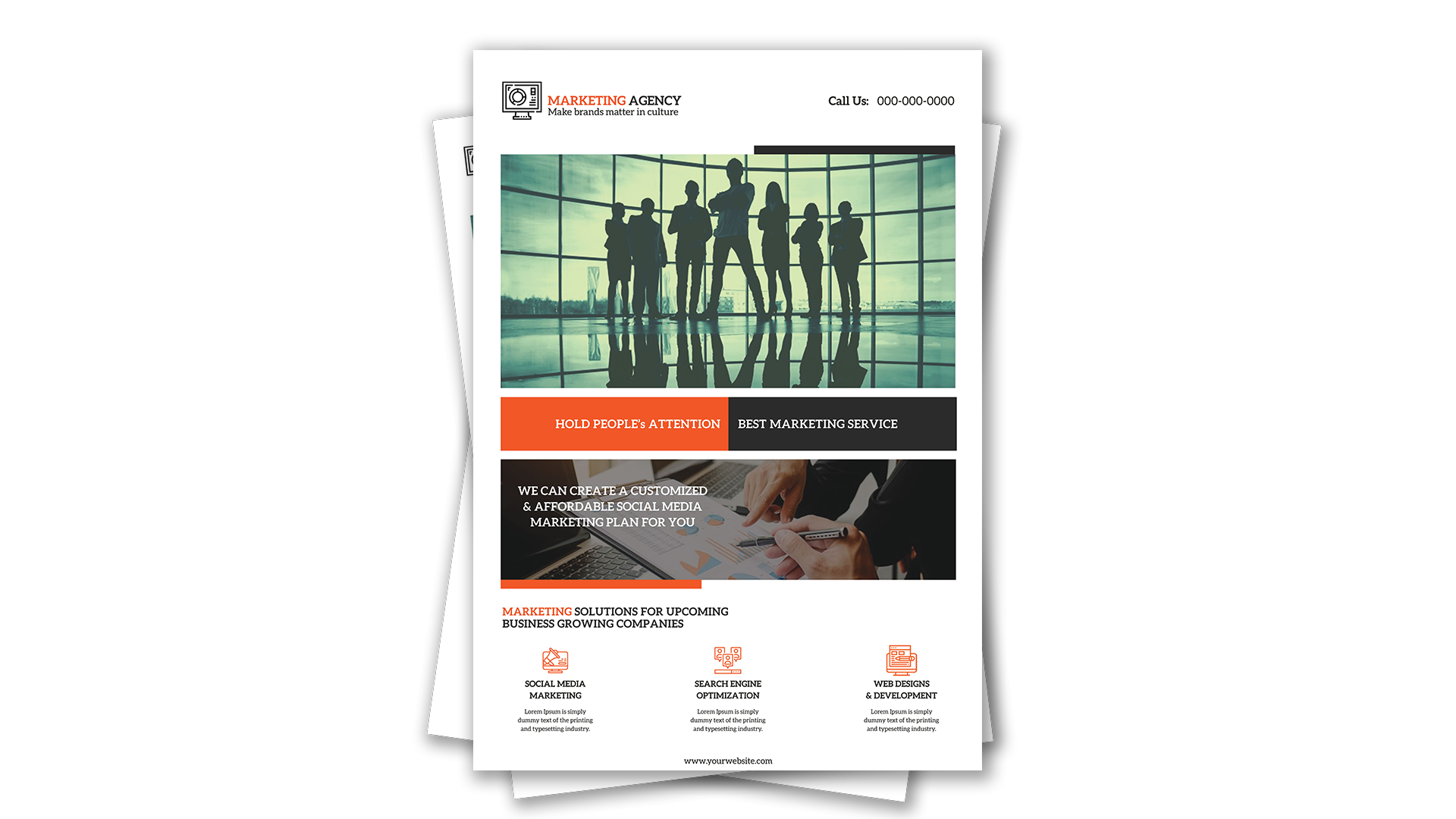
Free Brochure-Style Photoshop Flyer Template 46 is a structured marketing agency flyer that combines corporate photography, strong promotional bands, and a three-service overview. Its white page, charcoal blocks, and vivid orange accents communicate confidence without feeling overly decorative. A large team silhouette establishes the agency theme, while a second photograph of people reviewing charts supports the strategy message. This layout is a strong fit for a digital marketing agency overview, a B2B lead-generation handout, or a brochure promoting social media, search optimization, and web development services.
Design details
- The top header places a logo and tagline on the left with a prominent call number on the right.
- A wide team photograph fills the main hero frame, capped by a short charcoal rule that adds visual weight.
- A split orange-and-charcoal banner carries two concise selling statements in bold white serif type.
- The secondary photo uses a dark overlay so a customized marketing-plan message remains readable.
- A black and orange heading introduces three centered service columns with orange line icons.
- Generous white margins and symmetrical spacing create a professional, presentation-ready finish.
How to use it
- Download the ZIP file and open the Photoshop source.
- Replace the logo, tagline, phone number, promotional statements, agency pitch, and website.
- Swap both photographs for images that reflect your team, clients, process, or campaign results.
- Update the three service headings, icons, and short descriptions with specific capabilities and plain-language benefits.
- Export a print-ready sales sheet for meetings and events, then prepare a lightweight RGB PDF or image for email outreach.
Download
Download free-brochurestyle-photoshop-flyer-template-20.zip“>Download Flyer-Design-Template-46.zip
Related templates
Explore additional agency-ready layouts in the best flyer templates roundup and find more editable company promotions in the business flyer hub.
FAQ
Which services suit the three-column section?
Use three core offers with distinct icons, such as paid media, SEO, and web design. Each description should state a clear client benefit in one or two sentences.
Can I replace orange with my brand color?
Yes. A saturated accent such as blue, green, or red will work, provided it contrasts clearly with the charcoal panels and white page.
What photos should I choose?
Use one wide team or leadership image for the hero and one close process image for the secondary panel. Apply compatible color grading so the two zones feel cohesive.







