
What this template is for
Free Corporate Business Photoshop Flyer Template 18 uses a red, white, black, and light-gray corporate palette to present a company through strong imagery and modular information blocks. It is a good fit for a business consultancy profile, a financial or property service introduction, or a B2B meeting and strategy campaign. The polished stock photography and orderly icon system give it a direct, professional mood.
Design details
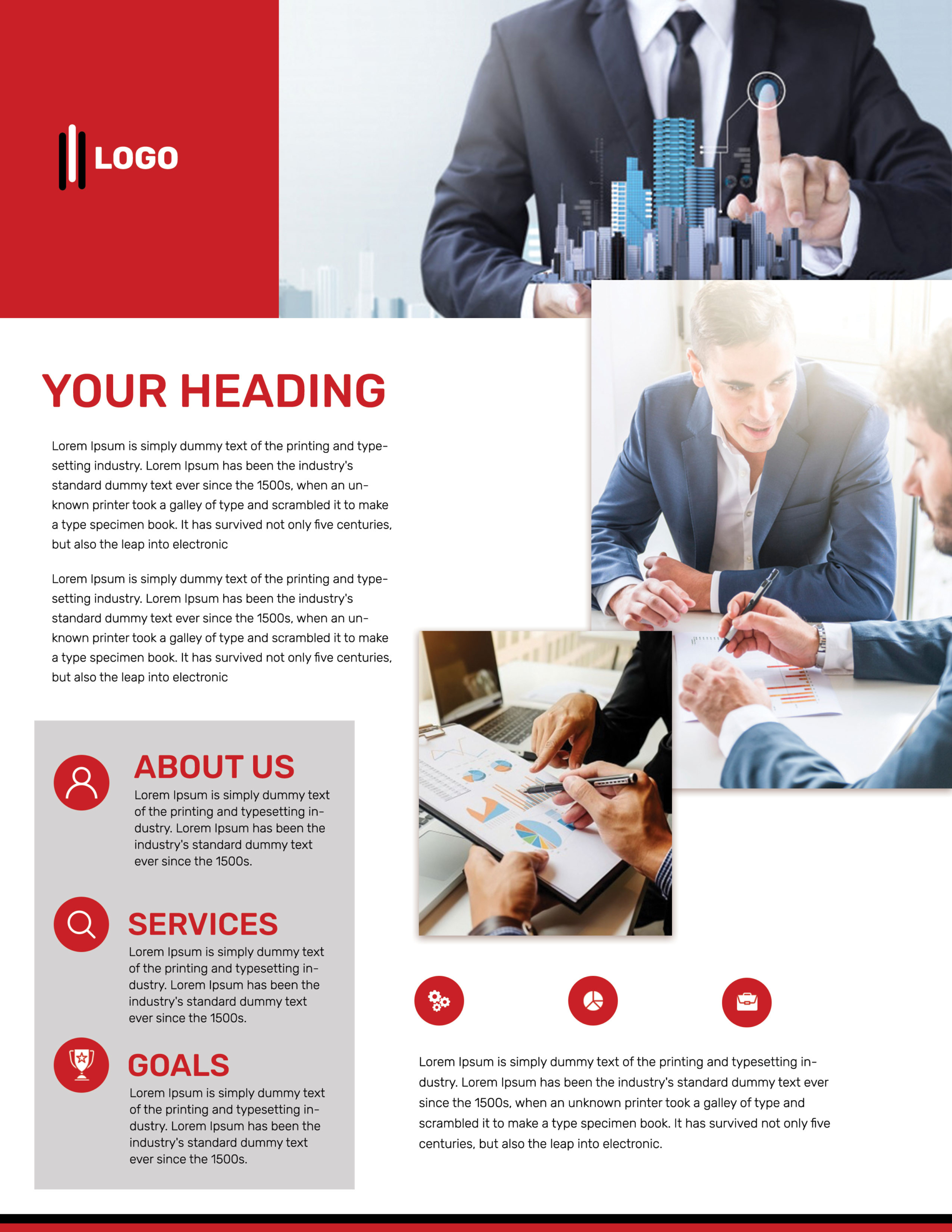
- A solid red logo block at the upper left beside a wide hero image of a suited professional and a digital city graphic
- A large red uppercase headline and two short introduction paragraphs in an open white column
- A tall meeting photograph occupying the upper-right and middle-right area
- A second overlapping analytics photograph below, creating a layered editorial collage
- A light-gray panel with red circular icons for About Us, Services, and Goals
- Three additional red icons above a final body-copy block, with thin black and red rules along the bottom
How to use it
- Download the ZIP file and open the editable PSD in Photoshop.
- Insert your logo and replace the generic headline with a short business promise or campaign message.
- Choose three coordinated horizontal and vertical photographs that show leadership, meetings, and measurable work.
- Rewrite the About Us, Services, and Goals modules as compact summaries, keeping the line lengths close to the original.
- Use the lower icons for benefits, sectors, or process steps, then export a print-ready flyer and a web-friendly version.
Download
Download free-corporate-business-photoshop-flyer-template-7.zip“>Download Flyer-Design-18.zip
Related templates
Compare more promotional styles in the best flyer templates roundup and browse editable corporate options in the business flyer hub.
FAQ
Which business messages fit this flyer?
It works well for consultancy introductions, financial or real estate services, and strategic planning offers. The multiple image zones also support a capability overview that shows people, process, and results.
How can I keep the design from feeling crowded?
Use short paragraphs, simple icon labels, and photographs with clean backgrounds. Preserve the open white space around the headline and do not fill every available area with extra copy.
Do all three photos need to show business meetings?
No. A stronger set could combine a leadership portrait, a client collaboration scene, and a close-up of reports or project work. Match their brightness and color temperature for consistency.







