
What this template is for
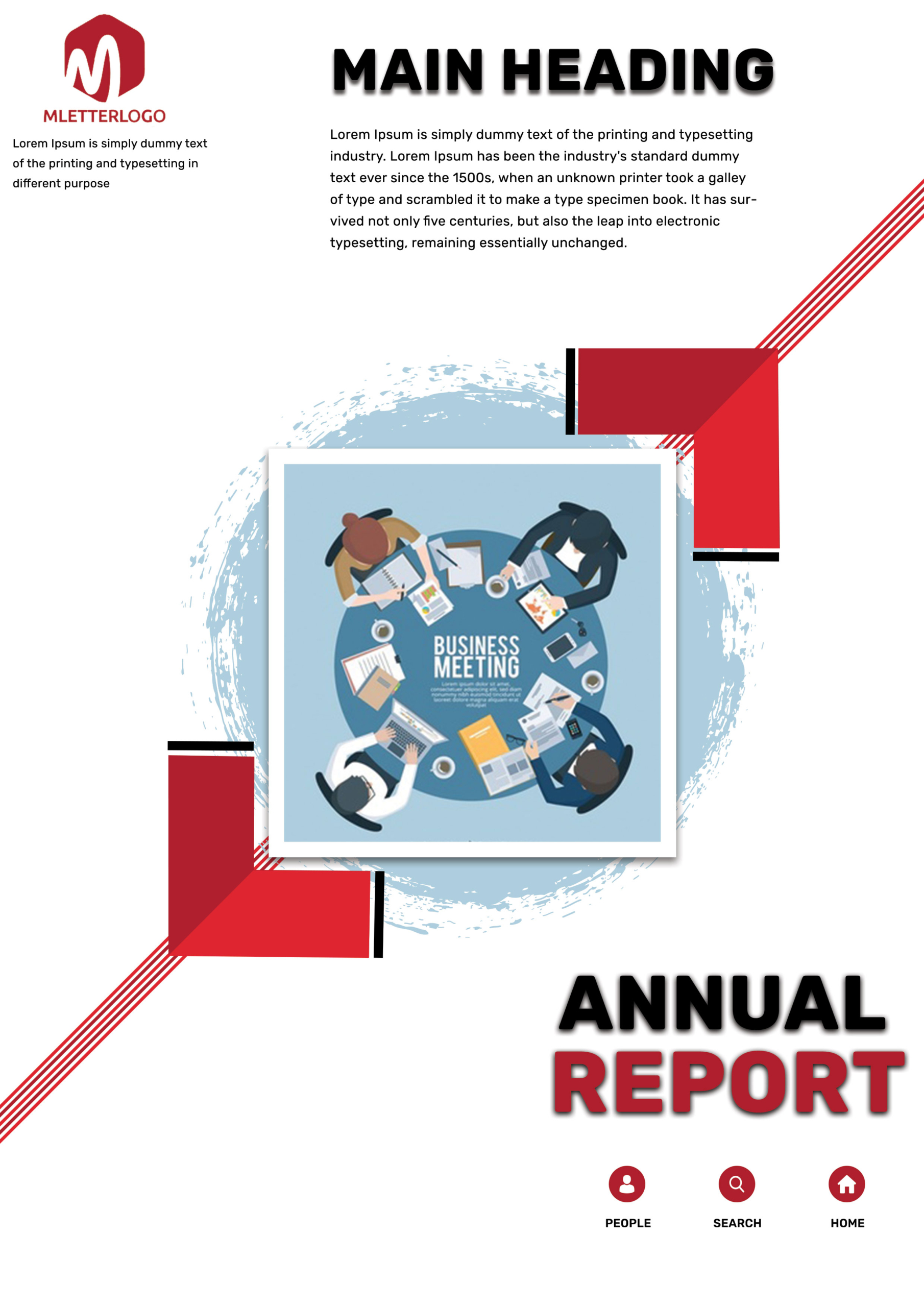
Free Corporate Business Photoshop Flyer Template 10 is an annual report cover-style design with a clean editorial structure and a strong red, black, white, and pale blue palette. It is best suited to an annual report cover, a business meeting summary, or a corporate performance booklet. The central meeting illustration and restrained use of color communicate planning, teamwork, and formal reporting rather than a sales-heavy promotion.
Design details
- A compact red monogram logo occupies the upper-left corner, paired with a short company description beneath it.
- The large black “MAIN HEADING” uses a heavy sans serif style with a soft shadow, while a short introductory paragraph sits directly below for report context.
- The center features a square illustration of colleagues gathered around a meeting table, framed in white with a realistic shadow that lifts it off the page.
- A broad pale blue brush circle behind the image softens the otherwise geometric layout and adds an editorial, slightly handcrafted texture.
- Red corner blocks, black edge bars, and fine diagonal red stripes frame the central image from opposite directions, creating movement while preserving generous white space.
- The lower-right title stacks “ANNUAL” in black above “REPORT” in red, both with pronounced shadows. Three small circular icons labeled People, Search, and Home form a simple navigation-style footer.
How to use it
- Download the ZIP file and open the PSD in Photoshop.
- Replace the monogram and company description, then update the main heading and introductory paragraph with the organization name, reporting year, and report theme.
- Keep the meeting illustration for a broad corporate message, or substitute a square team, workplace, or data-focused image that fits the central frame.
- Rename or remove the three lower icons as needed, then export the design as a print cover, presentation title page, or digital report preview.
Download
Download free-corporate-business-photoshop-flyer-template.zip“>Download Flyer-Design-10.zip
Related templates
Find more structured covers in the best flyer templates roundup, or browse the business flyer hub for professional layouts.
FAQ
Can I edit this flyer in Photoshop?
Yes. The Photoshop file allows you to change the logo, headings, paragraph text, central image, icons, and red accent elements.
What should I change first?
Update the reporting year and annual report title first, followed by the logo and central visual. These elements establish the cover’s identity at a glance.
Can I use it for print and social media?
Yes. It works naturally as a printed or PDF cover. For social media, use it as a report-launch announcement or crop the headline and central meeting image into a more compact post.







