
What this template is for
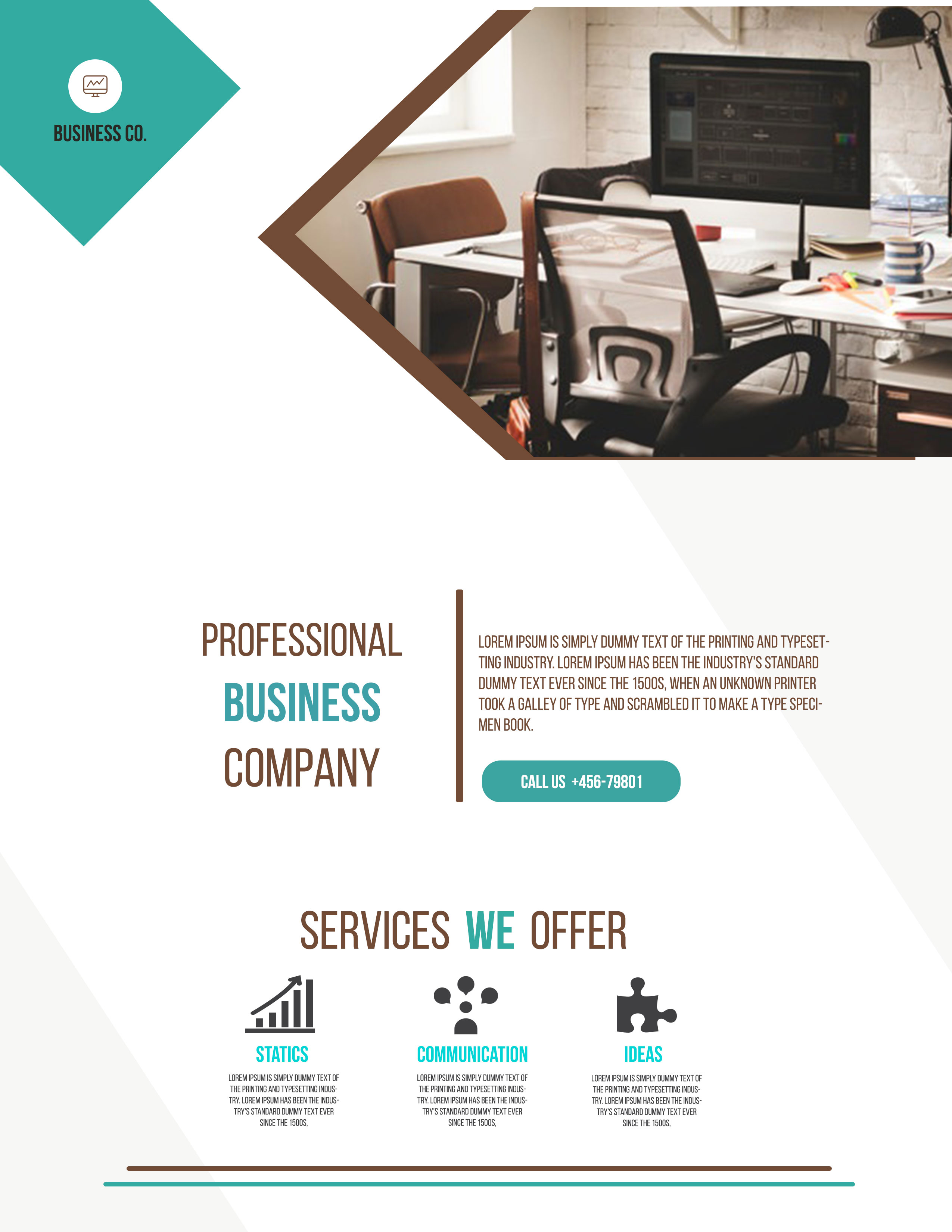
Free Corporate Business Photoshop Flyer Template 8 is a clean service-company flyer that pairs a large office photograph with a compact company statement and three illustrated offerings. Its warm brown and turquoise accents give the page a more personable character than a blue-and-gray corporate layout. It genuinely fits an office solutions provider, a workplace consultant, a small creative agency, or a business communication firm.
Design details
- A turquoise diamond in the upper-left corner contains a small monitor logo and the “Business Co.” name, forming a simple branded badge.
- A bright office photograph occupies the upper-right area inside a large angled frame with a thick warm-brown border.
- The main statement is split into three tall lines, “Professional Business Company,” with “Business” highlighted in turquoise.
- A vertical brown rule separates that headline from a short company description and a rounded turquoise call button.
- The lower section presents three centered service columns with bold icons for statistics, communication, and ideas.
- Thin brown and turquoise rules finish the bottom edge, reinforcing the limited color system and orderly alignment.
The typography combines narrow condensed display lettering with small uppercase supporting text. That pairing creates a practical, slightly industrial tone suited to B2B promotions. Much of the page remains white, so the angled photo frame and colored keywords become the primary points of attention. Use it for a workplace services introduction, a communication consultancy handout, or a three-service company overview.
How to use it
- Download the ZIP and open the editable flyer in Photoshop.
- Replace the small logo, company name, main three-line statement, description, phone number, and service copy.
- Swap the office photograph for a wide interior, team, studio, or workplace image that can tolerate an angled crop.
- Change the three icons and labels if your offers differ, keeping each description similar in length for visual balance.
- Review the call button at final size, then export a print file and a separate web-ready version.
Download
Download free-corporate-business-photoshop-flyer-template-17.zip“>Download Flyer-Design-8.zip
Related templates
Browse the best flyer templates roundup and visit the business flyer hub for related designs.
FAQ
What should the top photo show?
A clean office, active studio, consultation, or professional workspace will fit the framing and business tone.
Can I use fewer than three services?
Three keeps the layout balanced. If you have fewer, use the remaining columns for benefits, results, or process steps.
Can I replace the brown accent?
Yes. Choose a darker secondary brand color that contrasts clearly with turquoise and remains legible on white.







